
AI video face drift: diagnose and fix identity
Published on October 31, 2026 Updated October 31, 2026 8 min read
Fix AI video face drift by symptom: within-clip morph, cross-clip mismatch, profile failure, or post-occlusion change. Adjust references, shorten duration, and lower motion—one change at a time.
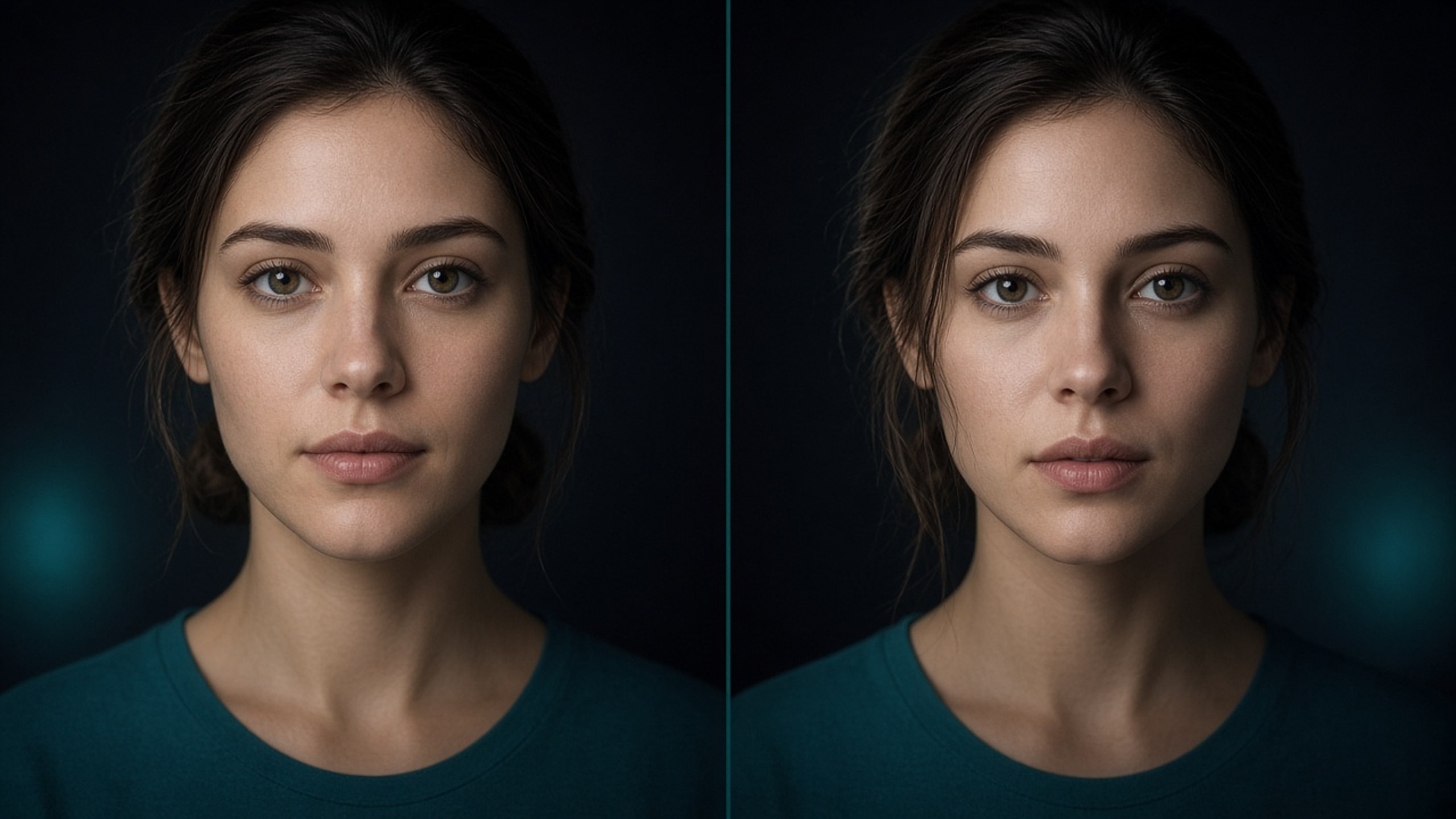
When AI video face drift shows up, do not rewrite the whole prompt first. Classify within-clip morph, cross-clip mismatch, profile failure, or post-occlusion change—then fix references, shorten the clip, or lower motion. That path usually beats swapping model names.
Name the symptom first
| Symptom | What you see | Change first |
|---|---|---|
| Within-clip | Early frames look right; later frames morph | Shorten duration; reduce camera/head turn; specify the end pose |
| Cross-clip | Each clip is fine alone; the edit string fails | Reuse one fixed reference set; never regenerate a “similar” face per shot |
| Profile / angle | Front holds; side or low angle collapses | Add a 3/4 reference; shrink the turn |
| After occlusion | Face changes after hands, hair, or props cover it | Run a no-occlusion baseline; then add one brief, shallow occlusion |
For prevention workflows, see reference-frame consistency. This article is only about diagnosing drift that already happened.
Six-step triage
-
Regenerate once with identical settings
Rule out chance. Two matching failures mean a systematic issue. -
Audit the reference set
Line the images up: hair part, glasses, makeup, apparent age. Drop outliers. Selection rules still follow how to pick reference frames. -
Strip appearance words from the prompt
With a first frame or identity refs, delete hair color, eye shape, and beauty-portrait style tags. Keep the five-part prompt structure, but hand looks to the image. -
Simplify the shot
Locked or tiny push; face toward camera; medium close-up so the face has enough pixels. Orbits, whip pans, and wide full-body shots are stress tests—not first-aid. -
Shorten the clip
If 10s drifts and 5s holds, cut two shorts and edit. Align motion with seconds in camera move and duration. -
Confirm the input mode
Need a specific face but still on pure text-to-video? Switch to first-frame or multimodal reference. Mode choice: text-to-video vs image-to-video.
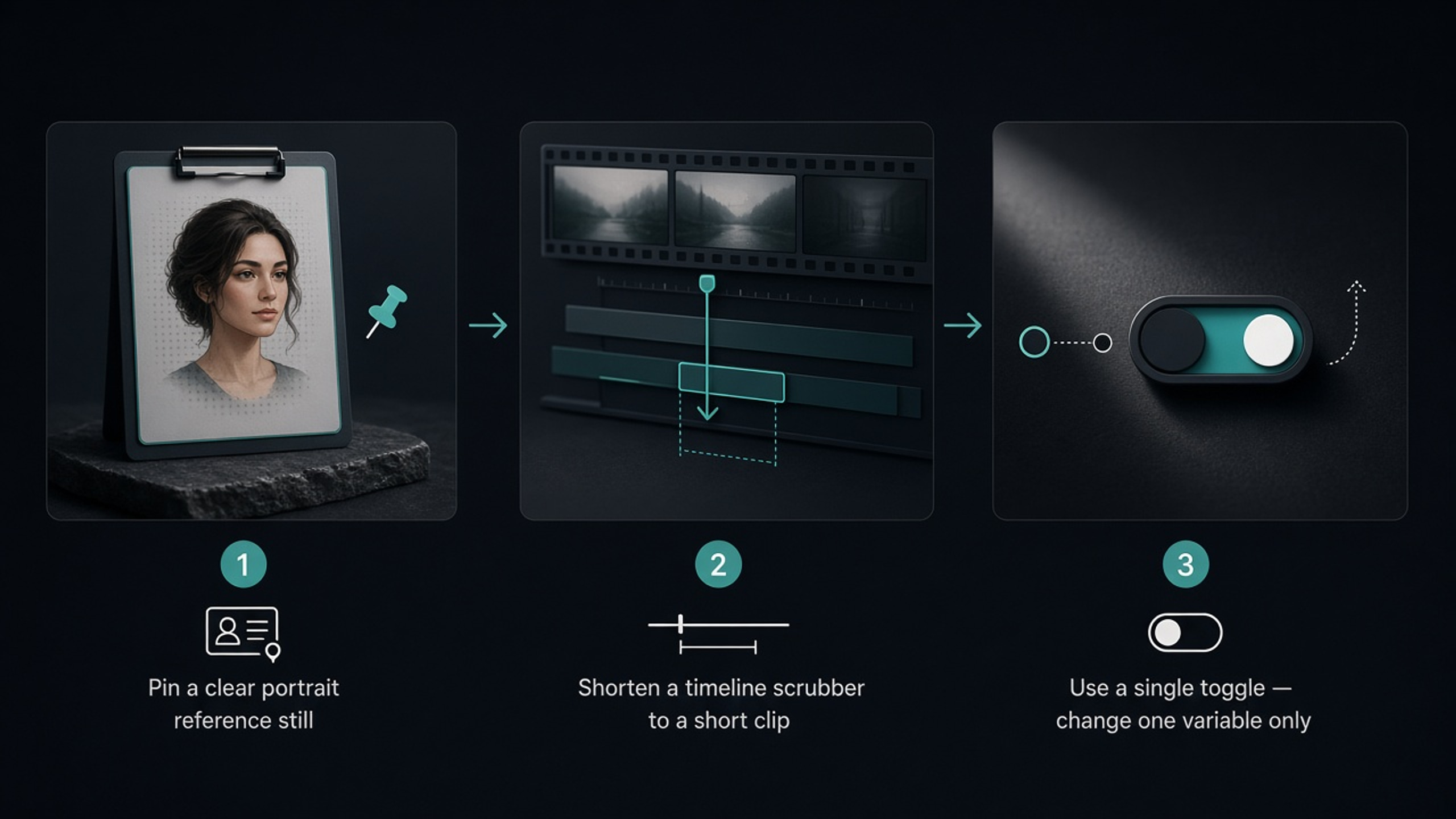
Fixes by input mode
| Mode | Common drift cause | First cut |
|---|---|---|
| Text only (t2v) | No visual identity anchor | Lock a still, then use first-frame / image-to-video |
| First frame (i2v) | Prompt rewrites appearance; motion too strong | Delete look words; lower action; rerun short |
| Start + end frames | Ends disagree on framing or makeup | Closer pair of stills; prompt only the transition |
| Multimodal reference (r2v) | Conflicting refs or multiple subjects | 1–3 consistent refs of one person; name the primary |
Rule of thumb: references own identity; prompts own motion. When both fight, the face fails first.
A copy-ready “stop the bleed” prompt skeleton
With a first frame, write motion—not looks:
Medium close-up, shoulders facing camera. She blinks once slowly, eyes drift toward the window, head turn under about ten degrees. Locked camera, soft side window light, calm expression. Ends still facing camera.
Avoid: perfect features, celebrity face, new hairstyle, 360° orbit while laughing—those invite drift on purpose.
Wrap-up
Face drift is a diagnostic problem. Name one of the four symptoms → run the six steps changing one class of variables → switch to first-frame or multimodal reference when text alone cannot hold identity. Polish style only after the face holds; before publish, skim the commercial checklist. To verify quickly, open the create page, pick the right input mode, and run a short test clip.
FAQ
What is AI video face drift?
The face changes within one clip or across adjacent clips—proportions, hairline, or overall look shift so it feels like a different person. Product packaging warp follows the same diagnostic logic.
How do I tell within-clip drift from cross-clip drift?
Within-clip: the face changes from start to end in one generation. Cross-clip: each clip looks fine alone but they do not match when edited together. Shorten and simplify for the first; lock one reference set for the second.
Can text-to-video alone hold a face?
Sometimes for a single exploratory shot—not reliably across a sequence. When the same face must match, switch to first-frame or multimodal reference modes, then write motion and camera.
Should the prompt still describe facial features?
If you already have a clear first frame or identity references, drop appearance and beauty-style words that fight the images. Leave the prompt for action, camera, light, and the ending pose.
Why do profiles and quick head turns fail more often?
Front-only references force the model to invent unseen angles. Add a three-quarter reference, or reduce the turn until the face holds.
How many settings should I change when fixing drift?
One class at a time: references, or duration, or camera strength, or action wording. Change several at once and you cannot tell what worked.
Share
Related posts
Sora2 AI reference-frame consistency for people and products
Keep people and products consistent in Sora2 AI with first/last frames: when to use image-to-video, how to pick references, change one variable at a time.
WorkflowText-to-video or image-to-video? Pick the input mode once
Choose text-to-video vs image-to-video by whether you have a locked still, need face or pack consistency, then map text-only, first frame, first+last, and multimodal reference.
WorkflowSeedance vs Wan vs Kling: pick by the job
Choose Seedance, Wan, or Kling by job: long takes and start/end frames, multimodal references, or short social clips. Decide the task first, then open the model page—fewer wasted regenerations.