
Sora2 AI camera moves and duration: one lens, locked length
Published on October 20, 2026 Updated October 20, 2026 6 min read
Control Sora2 AI camera moves and duration: one primary move per take, match seconds in params and prompt. Push, pan, follow examples included.
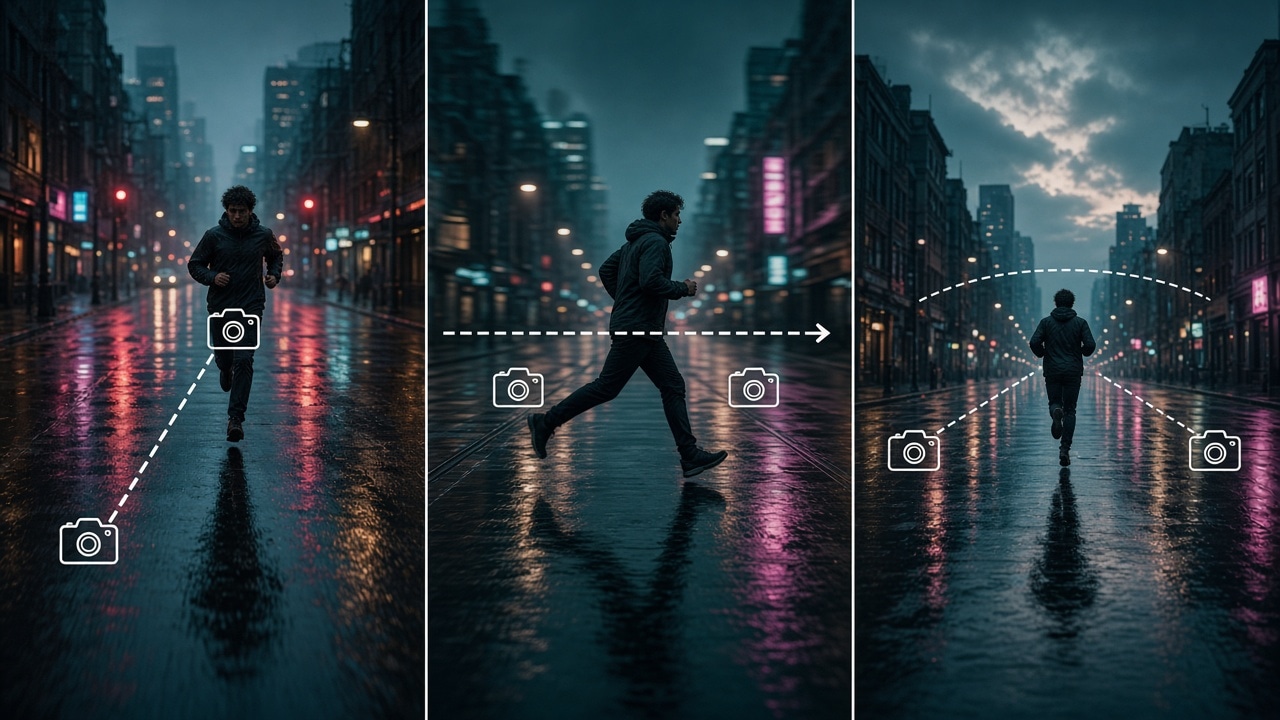
Shaky pacing is often a conflict between Sora2 AI camera moves and duration, not a broken model. Pick one primary move and lock length before you pile on style words.
Lock duration first
| Use case | Suggested length | Camera bias |
|---|---|---|
| Vertical hook | 4–6s | Locked or very slow push-in |
| Horizontal product | 8–10s | Slow push-in or gentle orbit |
| Mood piece | 10–15s | Slow dolly or follow |
Parameter seconds should match the prompt’s length claim.
Four primary camera lines
Build on the five-part structure:
- Locked:
static camera, locked tripod - Push-in:
slow push-in toward subject - Dolly:
gentle lateral dolly left to right - Follow:
follow shot keeping subject centered
young runner on rainy street at dusk, soft neon reflections,
gentle lateral dolly left to right, 9:16, 6 seconds
A/B in the workspace
- Open the creation workspace with the same subject.
- Version A: only
slow push-in. Version B: onlystatic camera. - Keep the winner in your phrase pack.
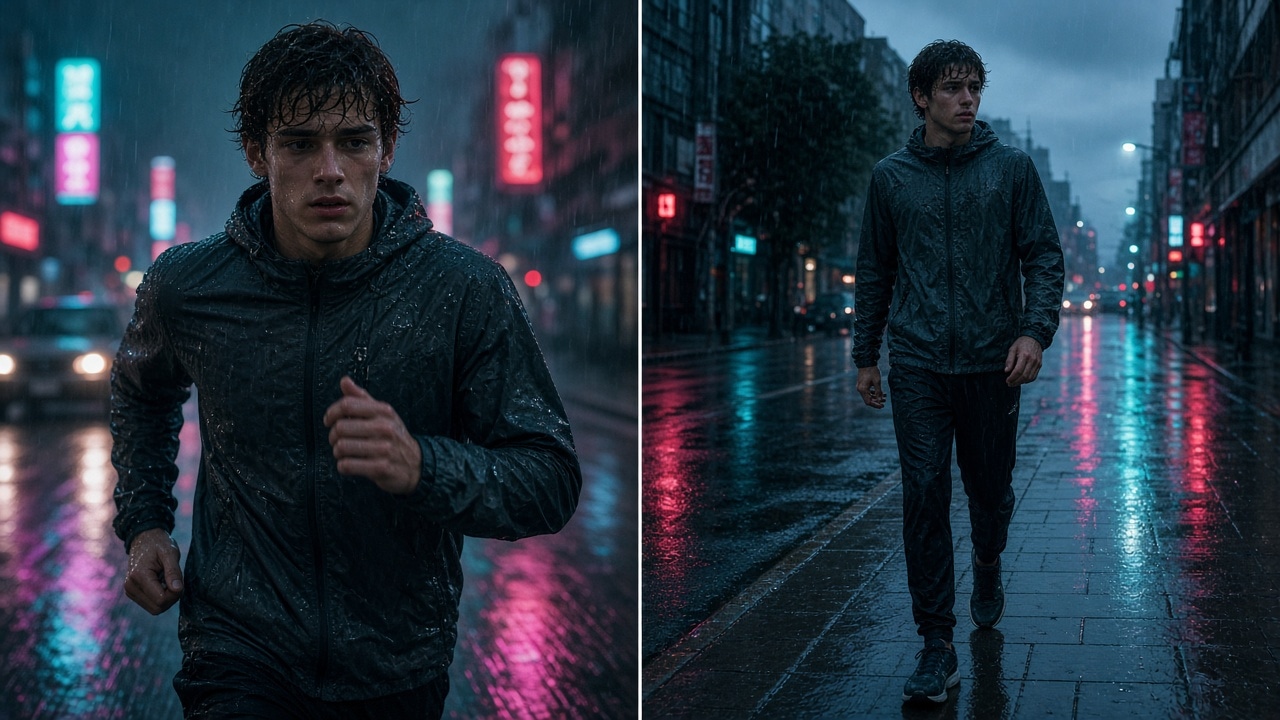
For faces and packaging across shots, use reference-frame consistency. Templates: prompt library.
Takeaway
One primary move plus matching duration beats style-word camouflage. Then apply the commercial checklist before paid placement.
FAQ
Can one prompt stack many camera moves?
Keep one primary move in the first take. Stacking orbit, whip pans, and zooms in a few seconds often fights itself.
Should duration live only in settings or also in the prompt?
Keep them aligned: set seconds in params and mention the use-case length in the prompt so the model is not pulled both ways.
Do vertical and horizontal need different camera lines?
Yes. Safe framing for push-ins and dollies changes with 9:16 vs 16:9—rerun when you change aspect ratio.
How strong should camera moves be in image-to-video?
Start mid/low once the still locks looks. Max push/orbit early often warps edges and logos.
Longer clip: raise duration or stitch segments?
Prove short segments, then stitch. Maxing one take raises mid-clip morph risk for faces and packs.
Share
Related posts
Sora2 AI video prompt structure: subject, action, camera
Lock a five-part Sora2 AI video prompt: subject, action, scene, camera move, and duration. Copy the template into the workspace and test.
WorkflowAI video face drift: diagnose and fix identity
Fix AI video face drift by symptom: within-clip morph, cross-clip mismatch, profile failure, or post-occlusion change. Adjust references, shorten duration, and lower motion—one change at a time.
WorkflowSeedance vs Wan vs Kling: pick by the job
Choose Seedance, Wan, or Kling by job: long takes and start/end frames, multimodal references, or short social clips. Decide the task first, then open the model page—fewer wasted regenerations.