
On-site studio
Create at /generate/ by default — no forced external app path.
Sora · Sora 2 Pro
 Sora 2 Pro
When the brief needs a higher ceiling than everyday Sora 2 drafts — keep 4 / 6 / 8 second locks, optional audio, and on-site create with Pro preselected.
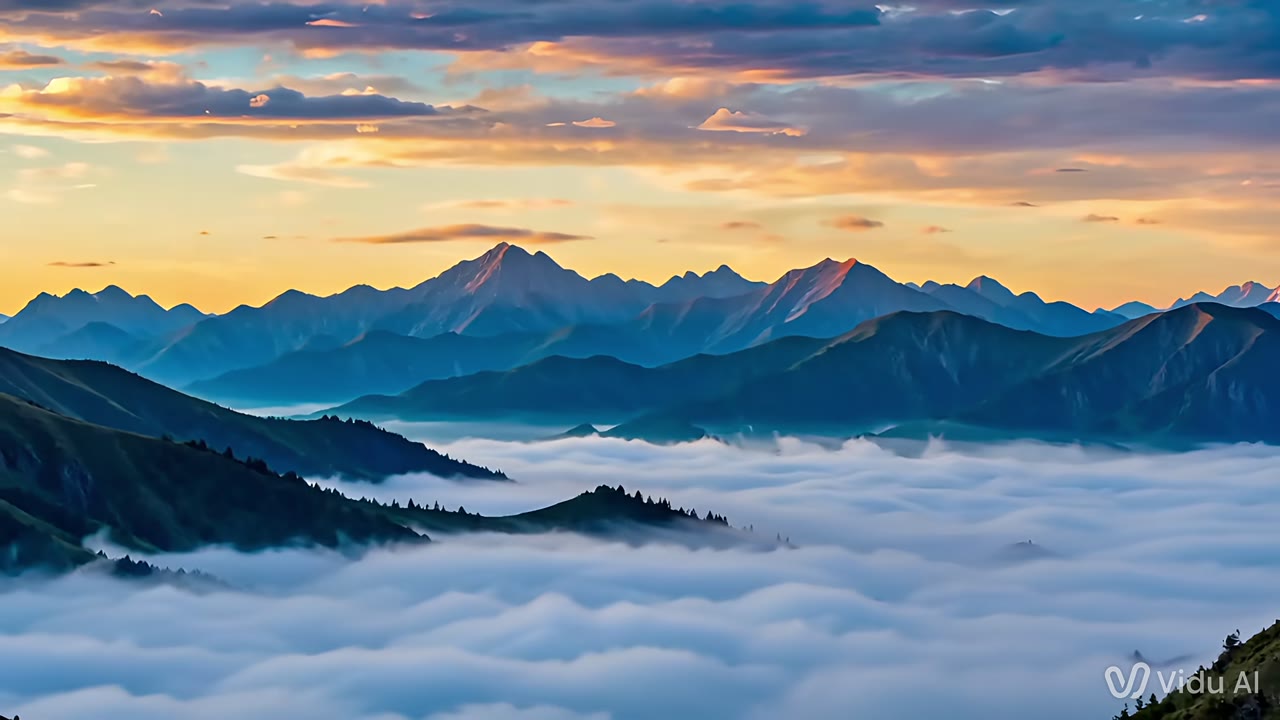

Create at /generate/ by default — no forced external app path.
Membership unlocks create; credits span models with a pre-run quote.
Size, duration, input mode, and audio follow the studio catalog, with a quote before you run.
Sora 2 Pro extends the Sora brand for creators who need a higher visual ceiling on short clips without leaving sora2.cc.
Duration and audio controls stay aligned with the flagship short-form workflow so teams can switch between Sora 2 and Pro without relearning the studio.
Billing may use a compatible high-tier runtime channel when Star has no separate Sora SKU — product pages and menus still say Sora 2 Pro, and Veo Pro keeps its own SEO URL.
Compare this page with Sora 2, Veo Pro, and Kling O3 before locking a campaign template.
Use Pro when stakeholders expect tighter motion and polish than a first-pass draft.
Stay on sora2.cc with membership and shared credits — naming stays Sora 2 Pro in UI and SEO.
Toggle native audio for openers that need dialogue or ambience baked in.
Google Veo Fast / Pro remain separate landings. Pick by brand preference without losing either path.
Short cinematic intros before longer Seedance or Kling runs.
When a feed post needs more than a rough Sora 2 draft.
Animate key stills with higher visual expectation.
Compare Sora 2 Pro naming vs Google Veo Pro on the same brief.
Use Pro for ceiling; keep Sora 2 for fast iteration.
CTA jumps to the studio with Sora 2 Pro already chosen.
Lock 4 / 6 / 8s and decide whether native audio is on.
Check credits, run, then iterate prompt or frames.
Intents commonly mapped to Sora 2 Pro:
Choose Pro when the brief needs a higher ceiling for delivery. Keep Sora 2 for everyday drafts and rapid A/B.
No. Veo 3.1 Pro remains a separate Google-branded landing and menu entry. Sora 2 Pro is the Sora-branded higher tier on this portal.
On-site studio via this page CTA. Membership unlocks generate; credits quote before each run.
Yes when first-frame or multimodal modes are available in the live catalog.
Lock 4, 6, or 8 seconds first, then decide whether native audio is on. Turning audio on changes the quote. Confirm both in the studio before you run.
Shared credits with a pre-run quote tied to the active runtime channel.
Sora 2 Pro is listed as the higher-ceiling Sora video tier on this portal. Create in the on-site studio at /generate/ or /home/. Membership unlocks generation; credits are quoted before each run and apply only to accounts on this site. Exact sizes, duration, modes, and prices follow the live catalog and can change with runtime updates.