
Beginner Tutorials · 00
Getting started with Sora2 AI
Create a first video on sora2.cc: pick Sora or Seedance, write a prompt with motion and duration, and generate in the /home workspace.
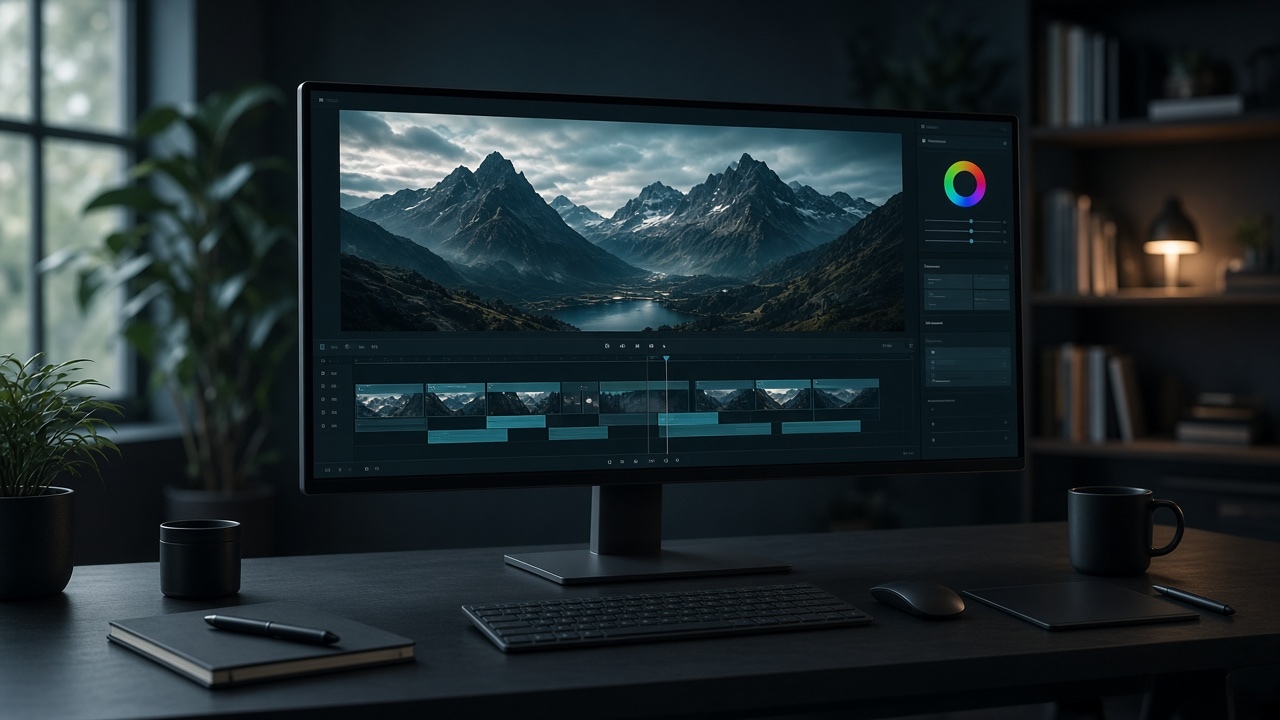
A short path from a blank prompt to a usable video draft.
Goal
Ship one clear short video, then change only one thing on the next pass.
Steps
- Open the workspace.
- Pick a video model (Sora 2 or Seedance 2.5).
- Write a short prompt: subject and action → scene → camera → light → duration.
- Set aspect (16:9 or 9:16) and duration.
- For image-to-video, switch tabs and upload a first frame.
- Preview on the right. Fix one issue at a time — camera, subject, or light.
Practice prompt
red ceramic teapot on marble counter, slow push-in, soft side window light, cinematic 16:9, 8 secondsTips
- Name the subject and motion first; add style words after the shot reads.
- Lock aspect and duration early so later edits do not fight the crop.
- Music and voice stay on the same page — no external hop.