
Sora 2 AI Video and Image Generator — 10+ Models
Make text-to-video and image-to-video with Sora 2, Veo, Seedance, Kling and more — plus AI images, music and voice in one workspace. Built for shorts, ads and product clips.
Examples
Cinematic short-form wall
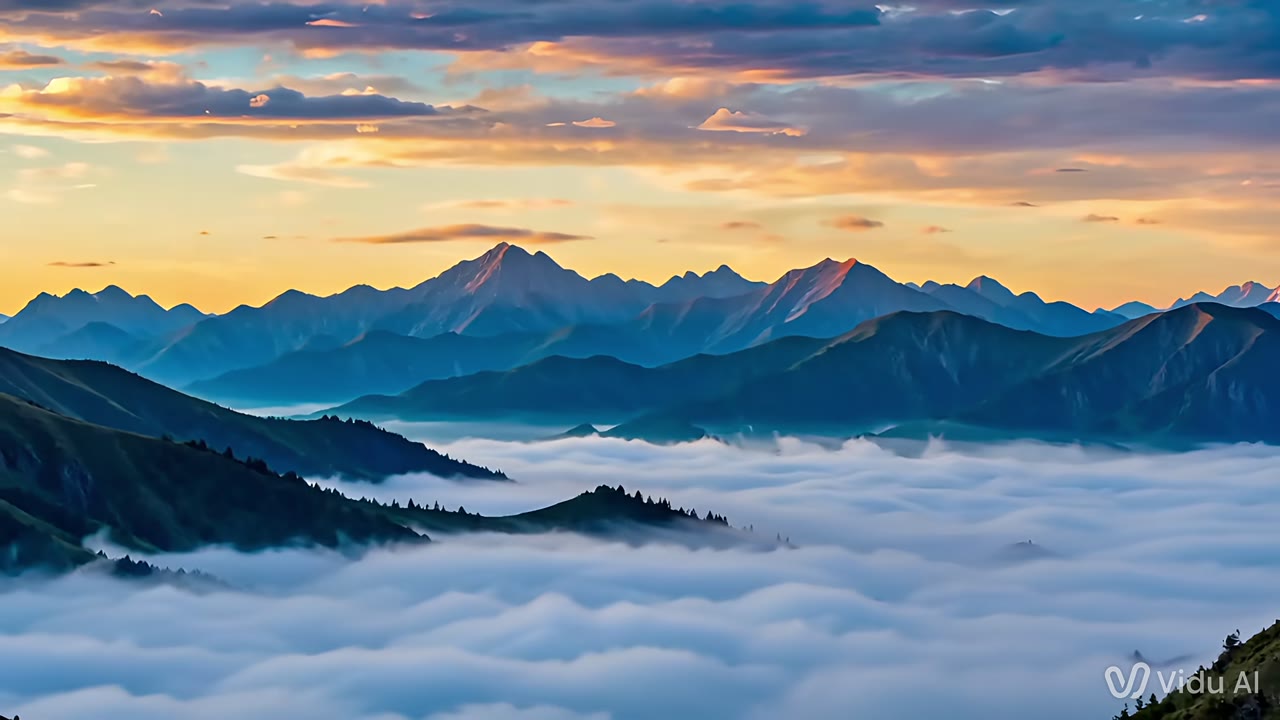
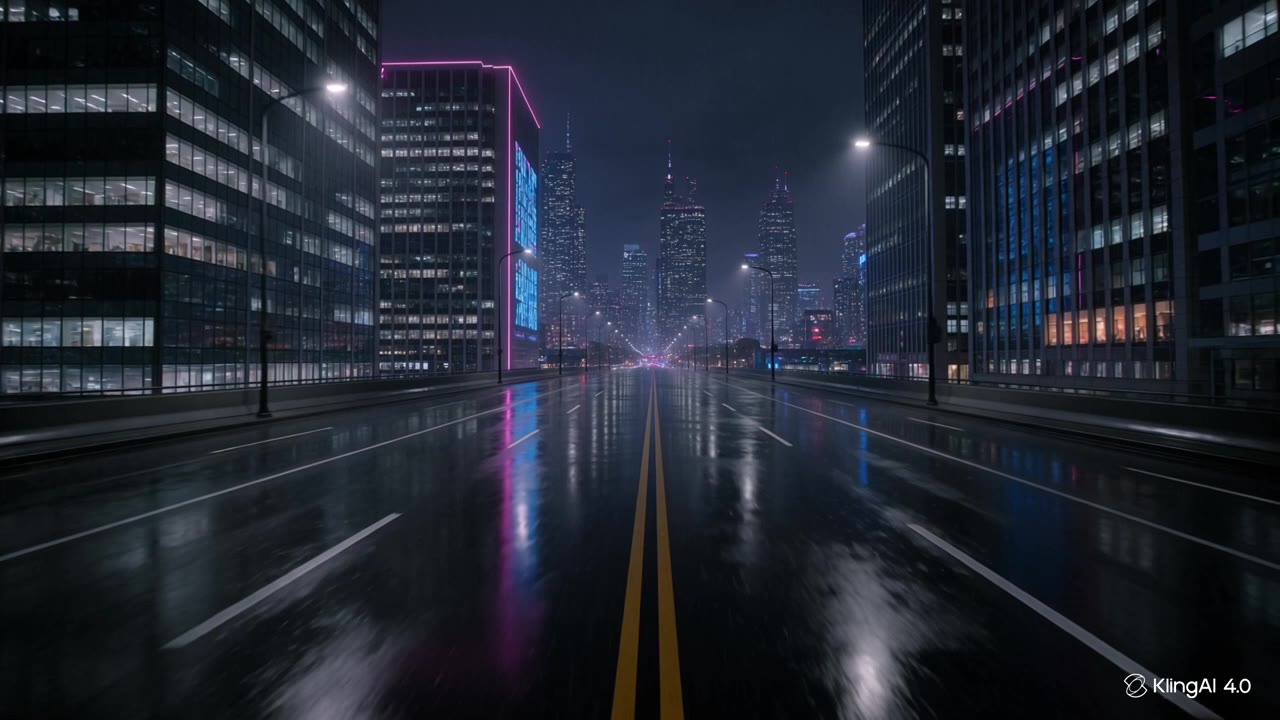
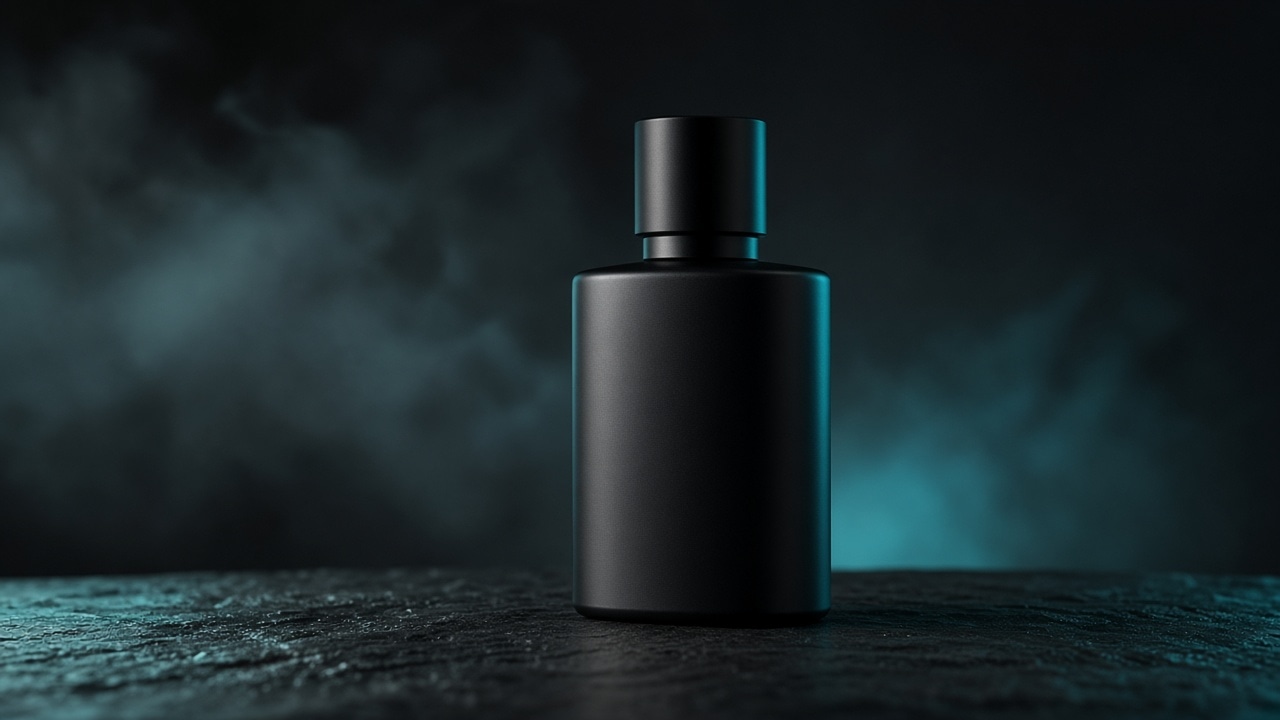
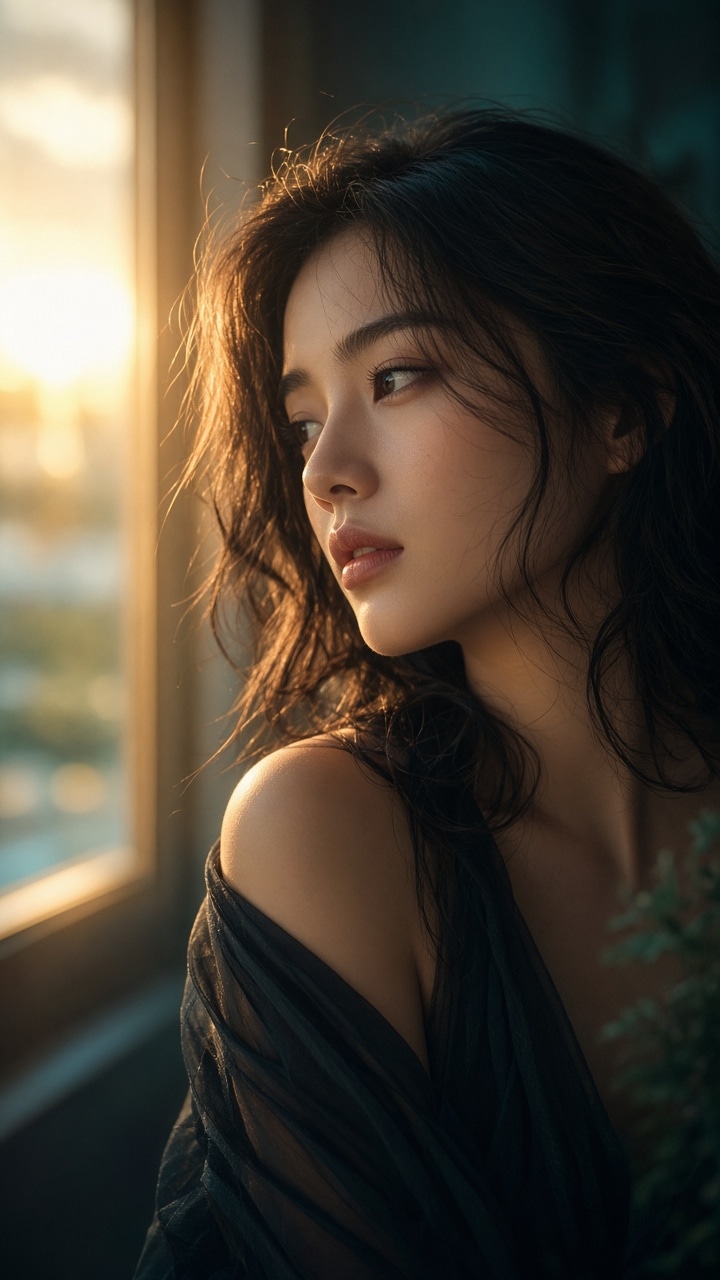
Scroll a mix of loops and stills — night city, product, portrait, Reels — mood boards, not a live run.
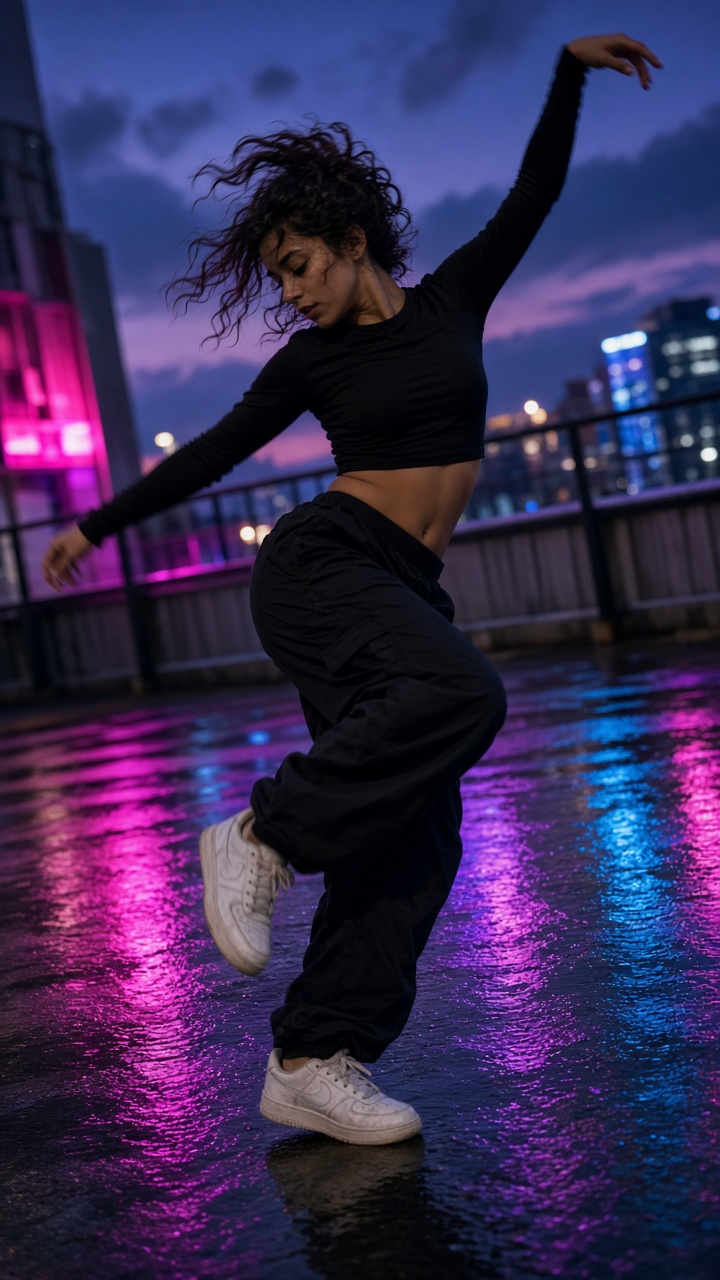
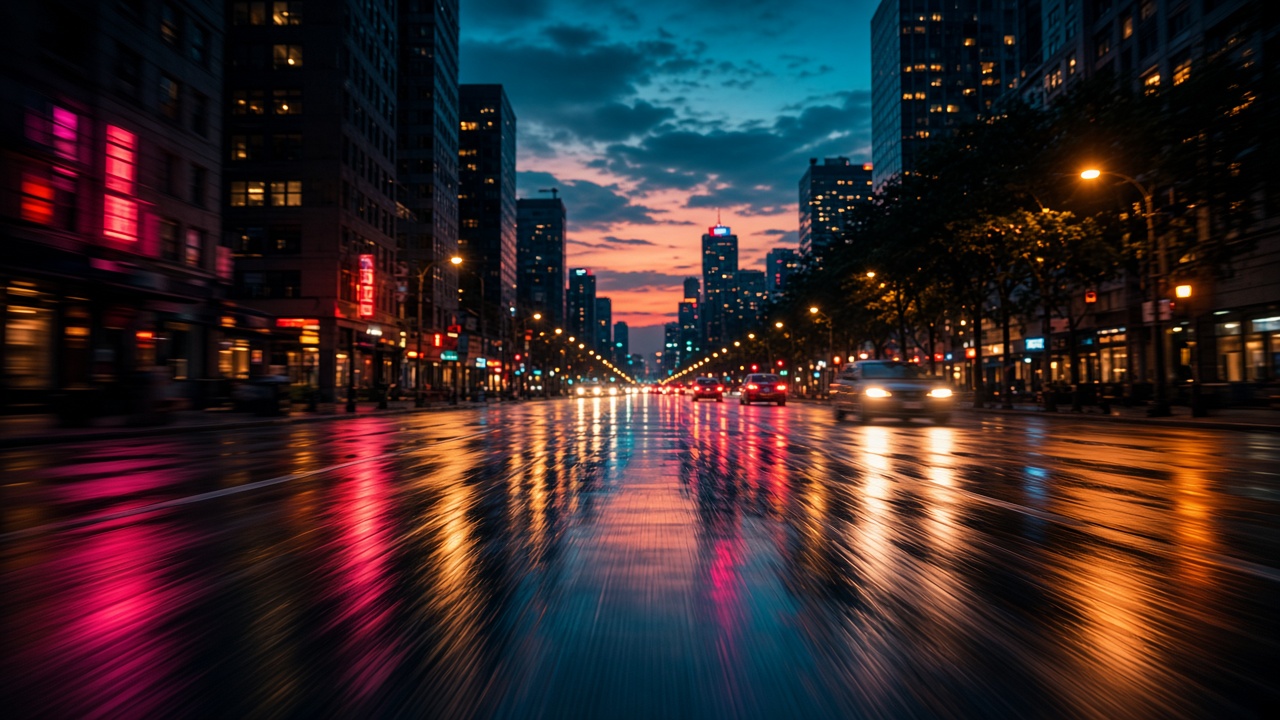
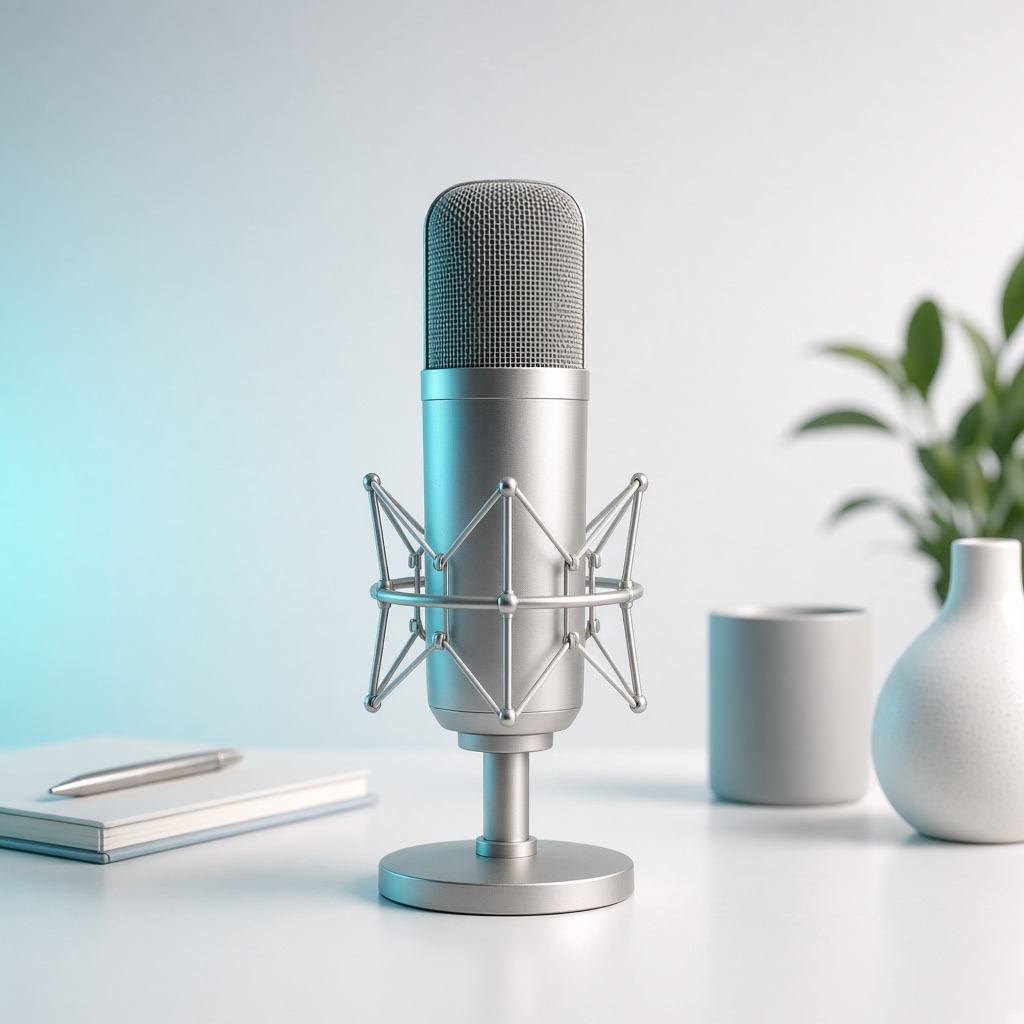
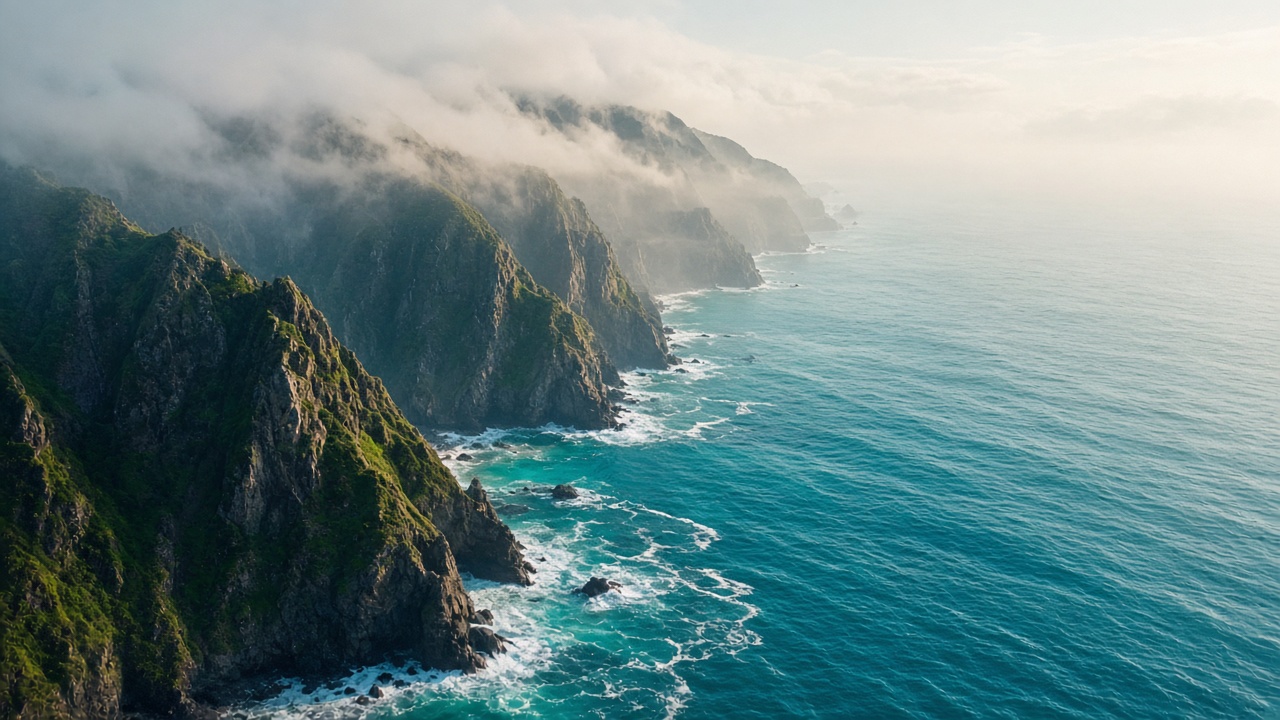
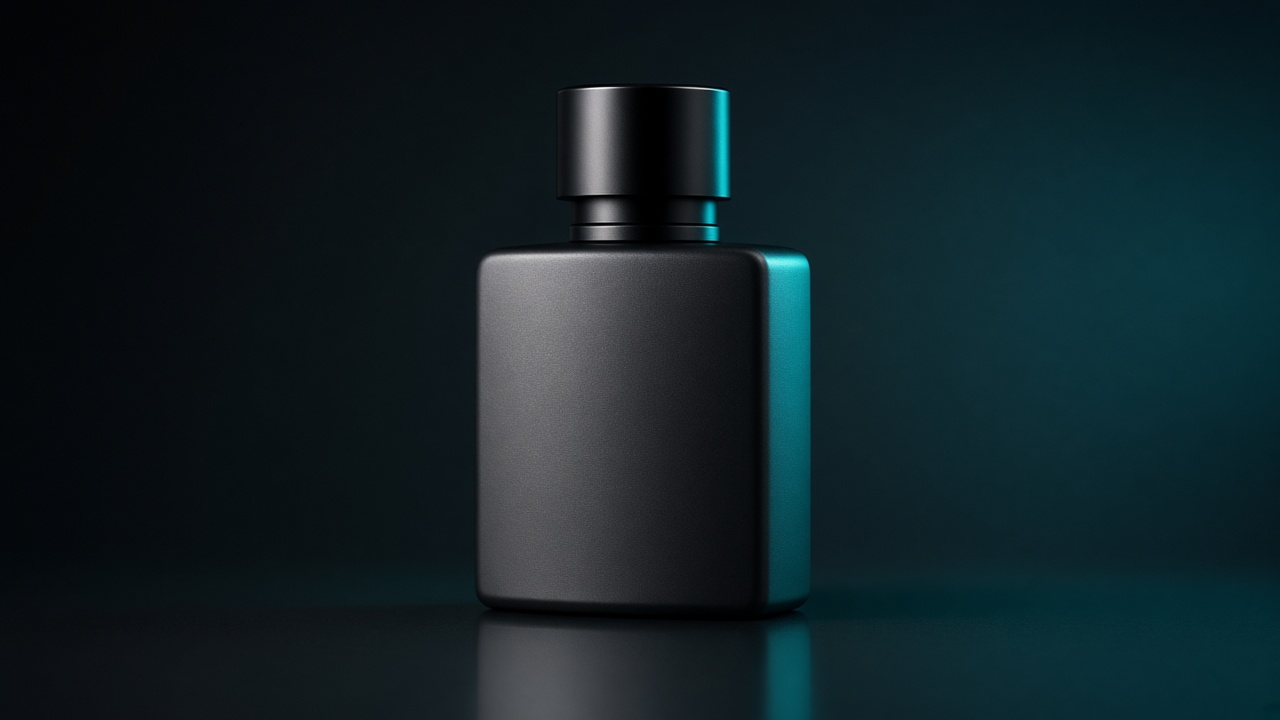
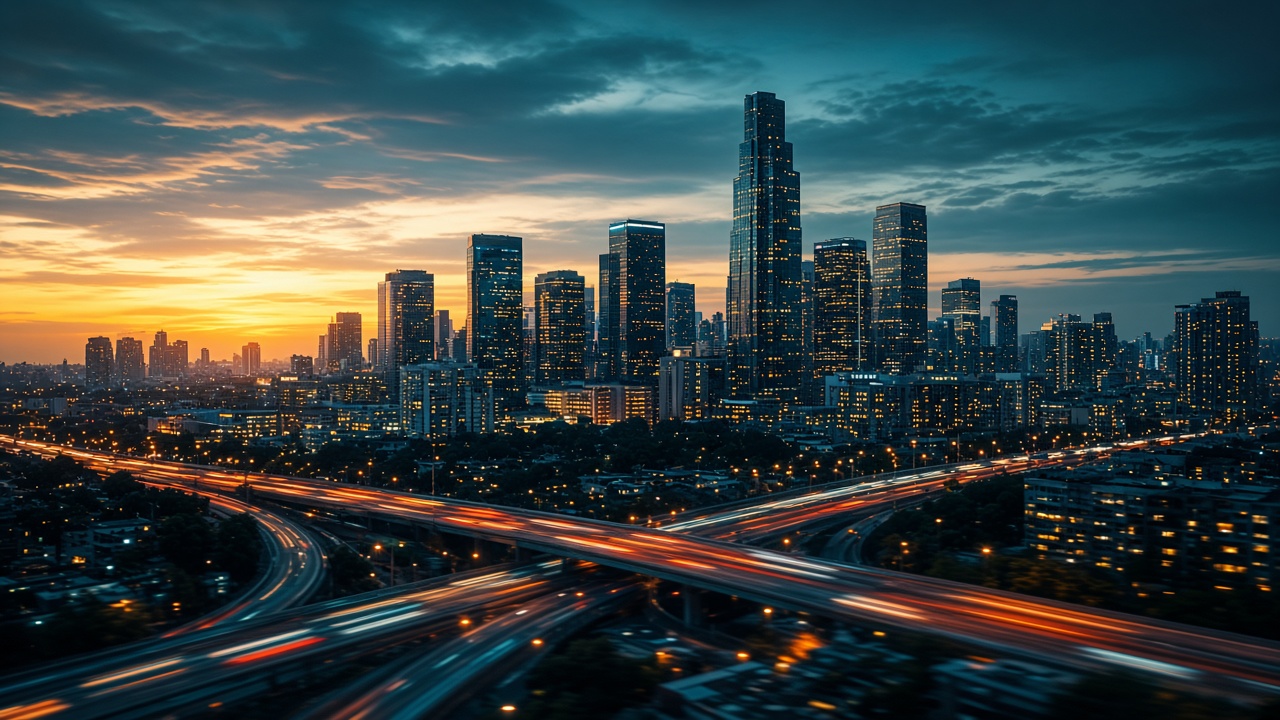
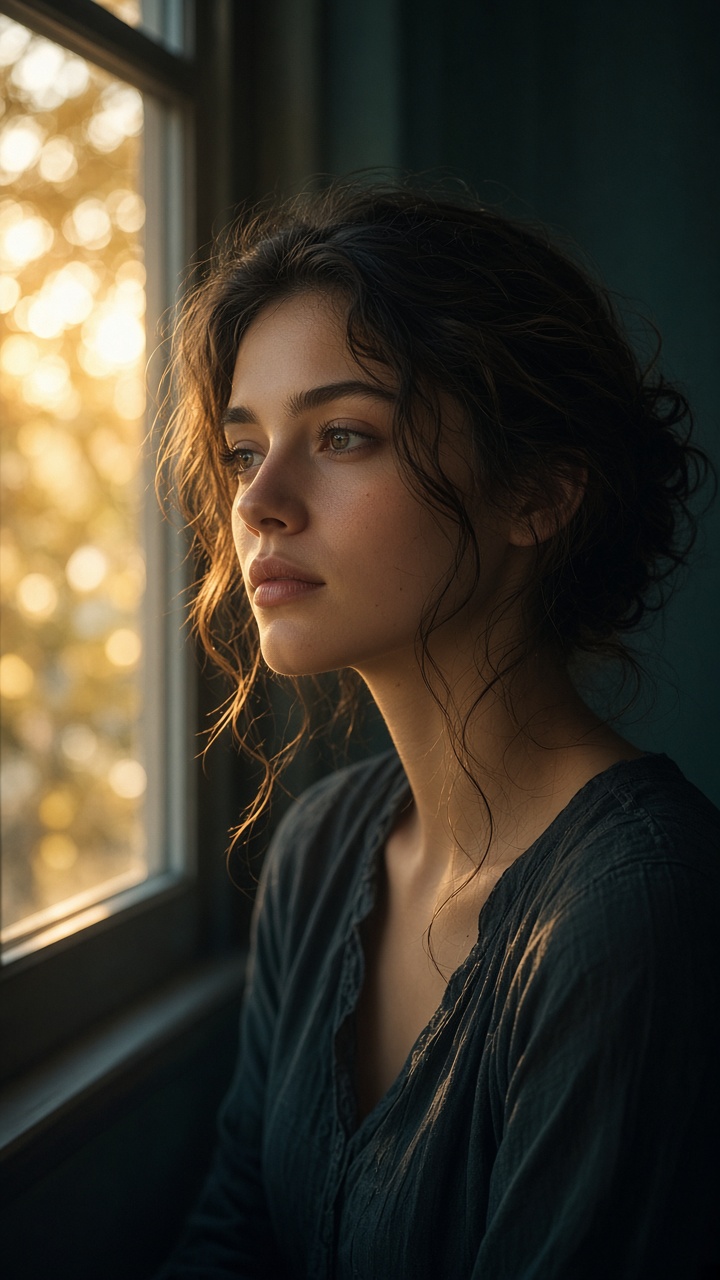
Auto-scroll · pause on hover Browse full gallery →
Sora 2 ·
Need the full sidebar workspace? Open /home studio
What you can make
AI video generator · text to video · image to video
Sora2 AI is an online AI video & AI image generator: text-to-video, image-to-video, text-to-image, image-to-image, AI music and AI voiceover — with Sora 2, Veo 3.1, Seedance, Kling, Wan and more.
Text to video
Sora 2 & Veo text-to-video drafts
Ship Sora 2 / Veo 3.1 narrative clips, then compare Seedance, Kling and Wan for motion control — built for “AI video generator” and “text to video” searches.
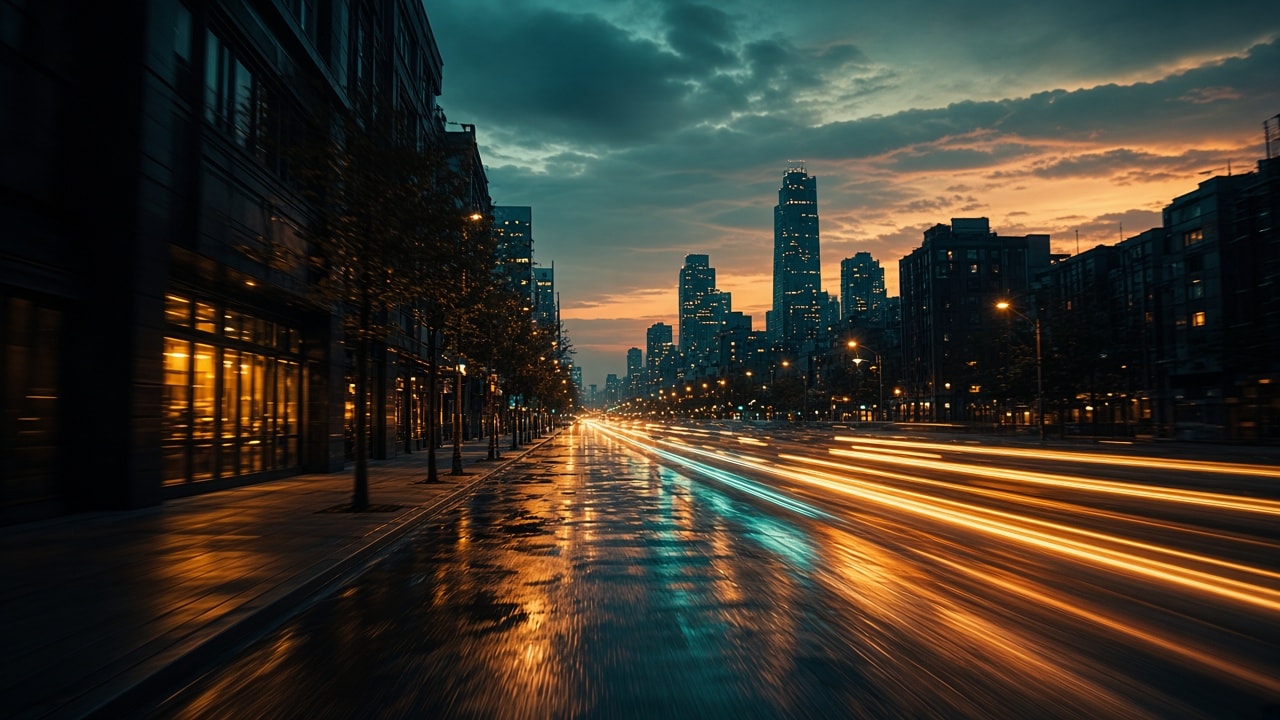
Image to video
Image to video for ads & Reels
Upload a packshot for image-to-video product spins, 9:16 AI short video, storyboards, AI voiceover and AI music without rebuilding the pipeline.
AI short video
Prompt, compare takes, export
Refine text-to-video and image-to-video prompts, keep the strongest cut, then export for ads, Shorts / Reels, or creative review.
Popular workflows
Text to video, image to video & AI short video
Text-to-video hook
4–8s opener from text — matches “AI video generator” and “Sora 2” intent.
Create videoImage-to-video product spin
Upload a packshot, animate orbit / push-in for PDPs and feed ads.
Create video9:16 AI short video
Vertical portrait or scene push for Reels / Shorts / TikTok-style cuts.
Create video8s product ad
Still → orbit + studio light; export 16:9 or 9:16 for ecommerce.
Create video3-shot storyboard
Same subject, swap camera moves, keep the strongest take, then AI music / voice.
Create videoText-to-image then i2v
Lock a key visual with AI image, then promote to image-to-video.
Create videoModels
Sora 2, Veo, Seedance, Kling — pick and create
Text to video & image to video with Sora 2, Veo 3.1, Seedance, Kling and Wan — tap a model to start in the studio.


Trending searches
Sora 2, AI video & more — popular queries, ready to create
High-intent terms around Sora 2 text-to-video, image-to-video, Veo, Seedance, Kling, Wan, AI shorts, and AI image. Open the matching studio flow and generate on this site.
Get started
Make AI video in three steps
Pick model & input mode
Choose Sora 2 / Veo / Seedance and switch text-to-video or image-to-video.
Add prompt or reference still
Describe the shot, or upload a frame for image-to-video / image-to-image.
Generate, compare, export
Keep the strongest cut for ads, short-form platforms, or review.
Flexible Sora2 AI pricing
Credits cover text-to-video, image-to-video, AI image, music, and voice.
Save 30%
Starter
$8.99 /month
$12.84
800 credits / month · unused keep for next month
- ✓ ~dozens generations / month (video-led estimate; shared pool for image, music & voice)
- ✓ 800 credits / month · unused credits keep for next month while subscribed
- ✓ Video: text-to-video / image-to-video · Sora, Veo, Seedance, Kling, Wan, Vidu, and more
- ✓ Image: text-to-image / image-to-image / refine · Nano Banana, Seedream, and more
- ✓ Music & voice: Suno soundtracks · ElevenLabs narration (same credit pool)
- ✓ On-site AI tools share the same credit balance (/tools/)
- ✓ Works library 50 · 5 pinned
- ✓ No-watermark downloads; preview credit cost before you run
- ✓ License: personal learning
Most popular
Save 50%
Pro
$19.99 /month
$39.99
2,400 credits / month · unused keep for next month
- ✓ ~100+ generations / month (video-led estimate; shared pool for image, music & voice)
- ✓ 2,400 credits / month · unused credits keep for next month while subscribed
- ✓ Video: text-to-video / image-to-video · Sora, Veo, Seedance, Kling, Wan, Vidu, and more
- ✓ Image: text-to-image / image-to-image / refine · Nano Banana, Seedream, and more
- ✓ Music & voice: Suno soundtracks · ElevenLabs narration (same credit pool)
- ✓ On-site AI tools share the same credit balance (/tools/)
- ✓ Works library 200 · 20 pinned
- ✓ No-watermark downloads; preview credit cost before you run
- ✓ License: personal commercial (ads / pitches)
Save 40%
Max
$49.99 /month
$83.32
7,000 credits / month · unused keep for next month
- ✓ ~hundreds generations / month (video-led estimate; shared pool for image, music & voice)
- ✓ 7,000 credits / month · unused credits keep for next month while subscribed
- ✓ Video: text-to-video / image-to-video · Sora, Veo, Seedance, Kling, Wan, Vidu, and more
- ✓ Image: text-to-image / image-to-image / refine · Nano Banana, Seedream, and more
- ✓ Music & voice: Suno soundtracks · ElevenLabs narration (same credit pool)
- ✓ On-site AI tools share the same credit balance (/tools/)
- ✓ Works library 1000 · 50 pinned
- ✓ No-watermark downloads; preview credit cost before you run
- ✓ License: business priority
Sora2 AI FAQ
Frequently asked questions
Model choice, text/image-to-video, prompts, credits, and practical limits — so you can create with confidence.
10 high-intent questions · updated for Sora2 AI practice
What can I create with Sora2 AI?
Short-form video first, with image, music, and voice in the same workspace. Use text-to-video and image-to-video (first / first+last frames where available), and switch among Sora, Veo, Seedance, Kling, Wan, Vidu, and more.
Which creation types are supported?
Text-to-video and image-to-video (first / first+last frame where the model allows), plus image, music, and voice entries in the same workspace. Switching the sidebar model stays on this page.
Text-to-video vs image-to-video — which should I use?
Text-to-video starts from a prompt only — good for narrative hooks and concept cuts. Image-to-video needs a first-frame / reference still — better for ecommerce packshots, character lock, and product look. Switch either mode in Start creating, then pick Sora 2, Veo, Seedance, Kling, Wan, and more.
How is this different from image-only sites?
The default path is short-form video: aspect, duration, reference frames, and camera-move prompts. Stills are available in the same account when you need them.
Which aspects and durations are supported?
Common landscape / portrait / square ratios and duration presets (for example 4s / 8s / 12s — check the live form). Output format follows the model (usually video files; image jobs return common image types).
How do I write better video prompts?
A stable structure: subject & action → scene → camera move → lighting → pacing / use. Separate what should move from what must keep its look. Gallery examples are good starting points.
How do I keep a character or product consistent?
Use a clear first frame or reference, name the features that must stay recognizable, and keep each revision focused. Always review the clip before publishing.
How fast is generation?
Time varies by model, duration, resolution, and peak load. Longer or more complex moves usually take longer. Quotes are estimates; the task receipt is the final charge.
Can I use outputs commercially?
Paid plans and credit packs on this site support personal and commercial projects, subject to the Terms and your rights to uploaded sources. Review every output before publishing. This is not legal advice.
I am brand new — how should I start?
A reliable loop: (1) open Start creating → /home; (2) pick a video model and write a clear prompt; (3) add a reference frame if needed, set aspect and duration; (4) generate, inspect, then change one thing. Optional: skim a beginner tutorial first.
Create with Sora2 AI
Bring a prompt or first frame. Generate the first clip, then refine with clearer camera and subject wording.