
Sora2 AI reference-frame consistency for people and products
Published on October 20, 2026 Updated October 20, 2026 7 min read
Keep people and products consistent in Sora2 AI with first/last frames: when to use image-to-video, how to pick references, change one variable at a time.
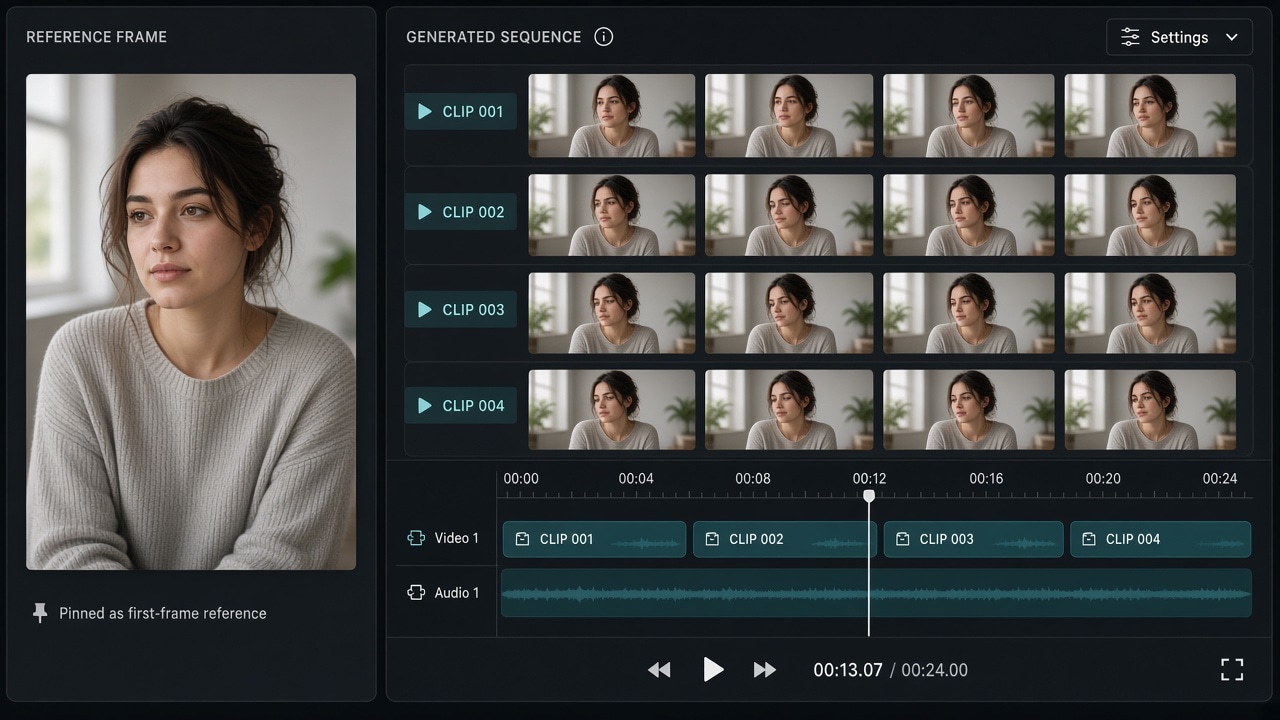
If faces morph and logos drift, you are missing a visual lock. Sora2 AI reference-frame consistency means anchoring one (or a pair of) clear frames, then changing only action and camera—not re-rolling appearance from text alone.
When to switch to image-to-video
| Goal | Mode |
|---|---|
| Explore mood | Text-to-video |
| Same person across clips | First frame / reference → video |
| Known start and end boards | First + last frame when supported |
| Multi-asset storytelling | Multimodal inputs per workspace options |
Keep the five-part prompt, but let the frame own appearance while copy owns motion and camera/duration.
Choosing references
- People: clean face or 3/4 view, even light, readable hair and wardrobe.
- Products: readable front pack, controlled reflections, simple background.
- Avoid: heavy beauty filters, crowded foregrounds, illegible type.
Workspace steps: open creation workspace → pick a model with reference support → upload → prompt for action/camera → if motion drifts, edit the action line; if look drifts, improve the reference.
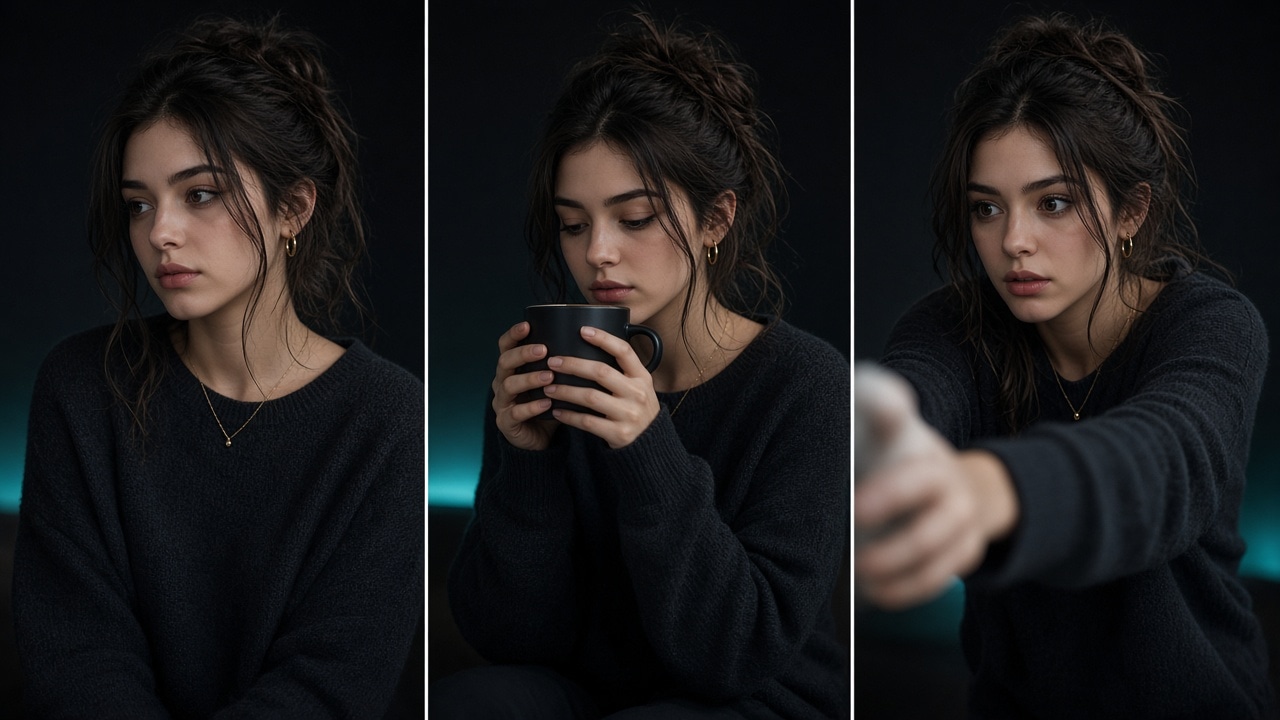
Change one variable per retry. Also see the prompt library and tutorial.
Takeaway
Frames own “how it looks”; prompts own “how it moves.” If a finished clip already morphs, diagnose by symptom in AI video face drift fixes. Then run the commercial checklist before paid use.
FAQ
When do I need a reference frame?
When the same face, pack, or costume must hold across clips. Pure text-to-video is better for exploration than “must match this look.”
Is a sharper reference always better?
A clear subject with a calm background usually wins. Heavy filters, blur, or crowded foregrounds dilute the features you want locked.
First frame vs first+last frame?
First frame means “continue from this image.” First+last pins both ends for a known transition. Aspect usually follows the first frame.
How many prompt variables should I change per retry?
Change one class at a time—action, or camera, or light. Changing looks and lens together makes drift hard to diagnose.
Can multimodal reference mix with a first frame?
Only if the live model allows it in one job. Prefer one input contract: first frame for timeline start, or refs for identity—avoid fighting contracts.
Share
Related posts
AI video face drift: diagnose and fix identity
Fix AI video face drift by symptom: within-clip morph, cross-clip mismatch, profile failure, or post-occlusion change. Adjust references, shorten duration, and lower motion—one change at a time.
WorkflowText-to-video or image-to-video? Pick the input mode once
Choose text-to-video vs image-to-video by whether you have a locked still, need face or pack consistency, then map text-only, first frame, first+last, and multimodal reference.
WorkflowSeedance vs Wan vs Kling: pick by the job
Choose Seedance, Wan, or Kling by job: long takes and start/end frames, multimodal references, or short social clips. Decide the task first, then open the model page—fewer wasted regenerations.