
On-site studio
Create at /generate/ by default — no forced external app path.
GPT Image 2.5 · Sunburst
 GPT Image 2.5 Sunburst
When typography, jewelry, brand labels, or skin detail must hold, Sunburst leans into precision in the same create-and-edit studio as Flare.
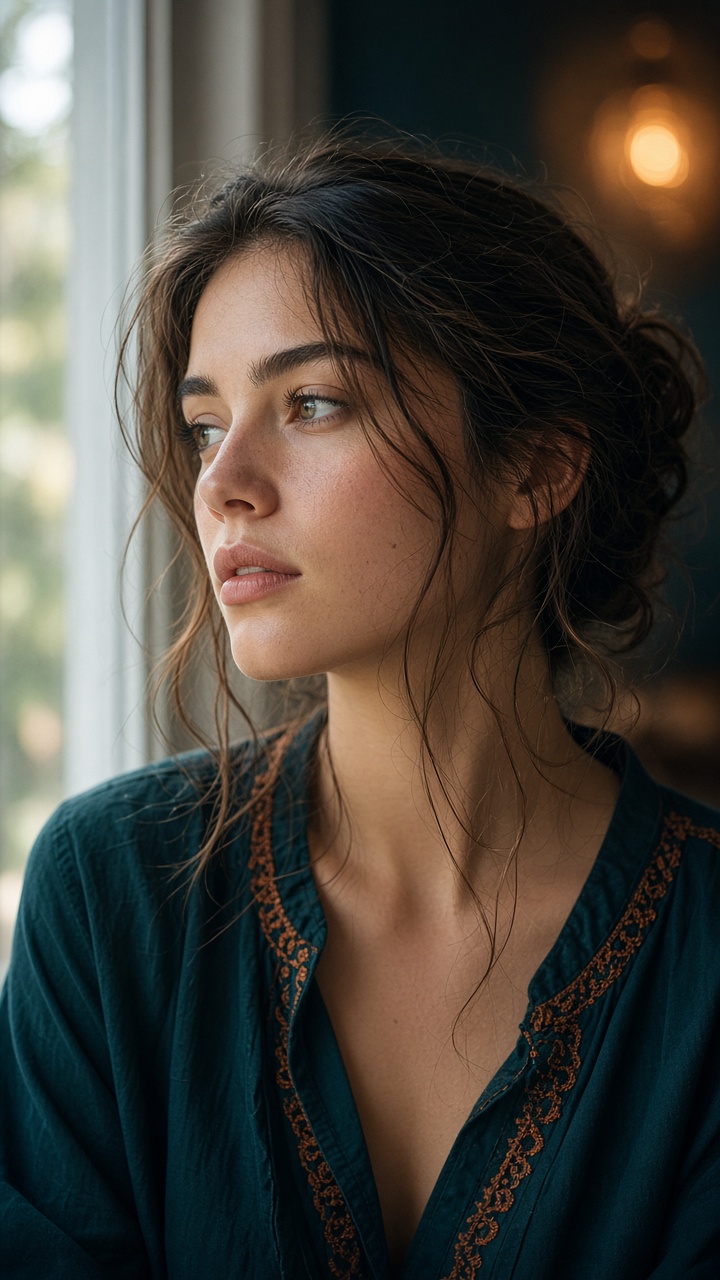
Create at /generate/ by default — no forced external app path.
Membership unlocks create; credits span models with a pre-run quote.
Size, duration, input mode, and audio follow the studio catalog, with a quote before you run.
GPT Image 2.5 Sunburst is the quality-first AI image editor on sora2.cc. It sits beside Flare for teams that need text-to-image and image-to-image polish when labels, portraits, jewelry, and packaging cannot look “almost right.” Searchers asking for a 4K AI editor, product-label cleanup, or a Flare versus Sunburst comparison should treat this page as the precision path, not a generic art toy.
The studio flow matches the rest of the GPT Image family: prompt, optional references, ratio, then generate or edit on-site at /generate/. Sunburst simply biases the run toward fidelity. That makes it a poor choice for cheap moodboard spam and a good choice for the stills you will actually put in a deck, a PDP, or an ad unit.
Membership unlocks create; credits are quoted before each run and apply only to this site. You can explore on Flare inside the same account, then finish on Sunburst without rebuilding the brief. Exact 1K / 2K / 4K availability follows the live catalog.
If you only need a mainstream generate-and-edit default, GPT Image 2 remains listed. If you only need volume, stay on Flare. Use Sunburst when the brief already knows the crop and is paying for edges, type, and materials to survive a zoom.
Change scene, wardrobe, or lighting while trying to keep recognizable product marks, faces, and layout. Sunburst is the GPT Image 2.5 option when those details are the job, not a nice-to-have.
If the last ten percent of polish matters more than draft volume, start here instead of burning Flare credits on a frame you already know must ship. 1K / 2K / 4K follow the live catalog.
Explore compositions on Flare, then finish stubborn stills on Sunburst without changing sites, memberships, or prompt discipline. The family page compares the two-speed workflow in one view.
Bring a strong base still or reference set into the studio and edit in place. Image-to-image is most useful when the subject is already framed and you are protecting type, jewelry, or packaging.
Stabilize brand marks and short copy while you restyle the scene around a pack shot.
Refine skin, metal, and fabric after the pose and crop are already locked.
Run a last quality-first pass before you export frames for review or ads production.
When a fast draft scrambled letters or logos, rebuild on Sunburst instead of prompting blindly on Flare.
The CTA preselects GPT Image 2.5 Sunburst in /generate/ so the quality-first profile is already active.
Bring a Flare draft, a photograph, or a tight reference set. Weak composition still fails on a quality model.
Adjust background, light, or wardrobe separately so you can see what the model actually kept.
Zoom labels, faces, and reflective surfaces before you treat the still as delivery-ready.
These quality-first searches are the ones this Sunburst landing is written to answer:
It prioritizes quality over turnaround. Use GPT Image 2.5 Flare for exploration and prompt research. Use Sunburst when a still must hold labels, faces, or materials. Both run in the same on-site studio with a credit quote before generate.
Yes. Keep the prompt, references, and ratio discipline, then change the model to Sunburst for the polish pass. Membership and credits stay on the same sora2.cc account. You do not need a different site or a tools workbench.
Common ratios with 1K / 2K / 4K where the runtime catalog allows. Confirm the live options in /generate/ rather than assuming a fixed 4K switch. Raise size after composition and type already look right.
It is the better GPT Image 2.5 choice when packaging copy and brand marks matter, but you should still proof every character. Start from a strong base still and change one variable per edit so type has a chance to hold.
Keep the wording short in the prompt and anchor the layout with a reference. If it still slips, change the size. Trust the studio result.
Use GPT Image 2 when you want a mainstream generate-and-edit default rather than the 2.5 dual track. Stay on Sunburst when the 2.5 quality-first profile is the point of the job.
Sunburst is the quality-oriented GPT Image 2.5 variant listed on this portal. Create in the on-site studio at /generate/. Membership unlocks generation; credits are quoted before each run and apply only to accounts on this site. Exact sizes, duration, modes, and prices follow the live catalog and can change with runtime updates.