
Sora2 AI Gallery|AI video & image examples
Browse by portrait, landscape, anime, sci-fi, product and more — copy AI prompts for text-to-video, image-to-video, or AI art remixes.
Loading works…
No works yet. After text-to-video, image-to-video, or AI art, results save to your account and list here.
Signed-in library: Basic 50 / Pro 200 / Ultra 1,000 (pins 5 / 20 / 50 survive rolling eviction). Guests: local ~7 days. Videos are larger—download sooner. My Works is not a permanent drive.
Create 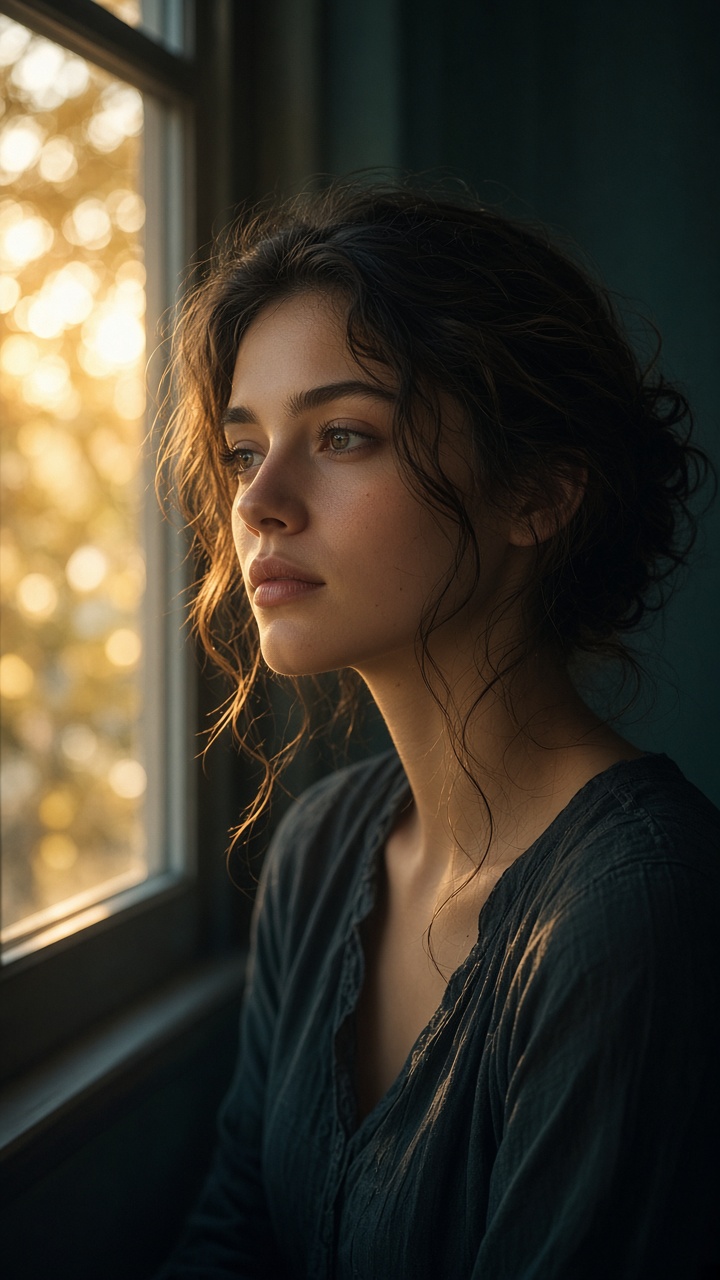
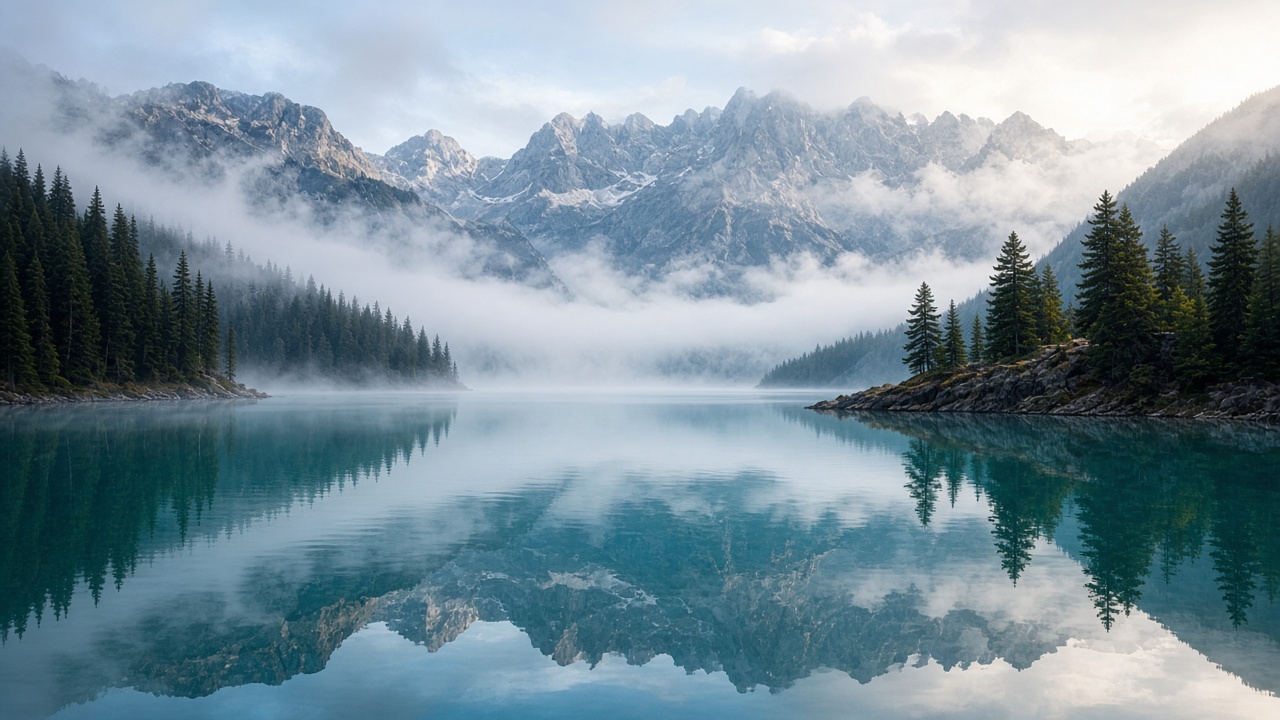
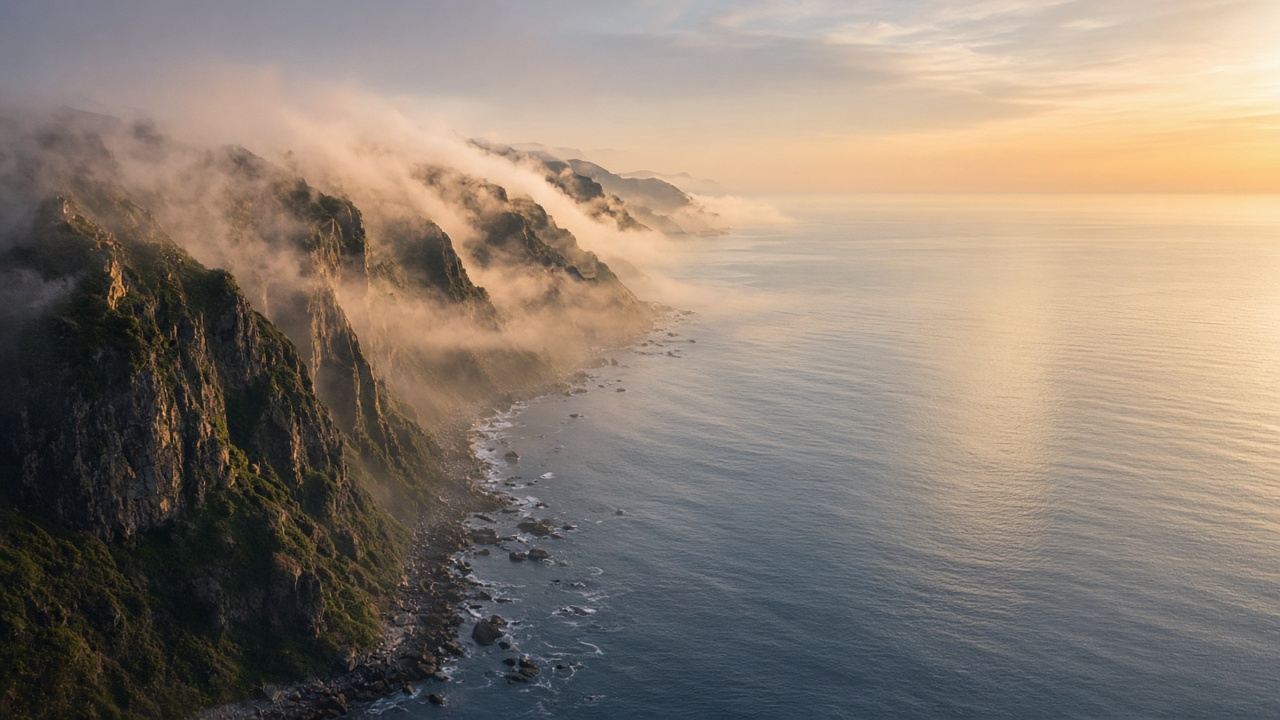
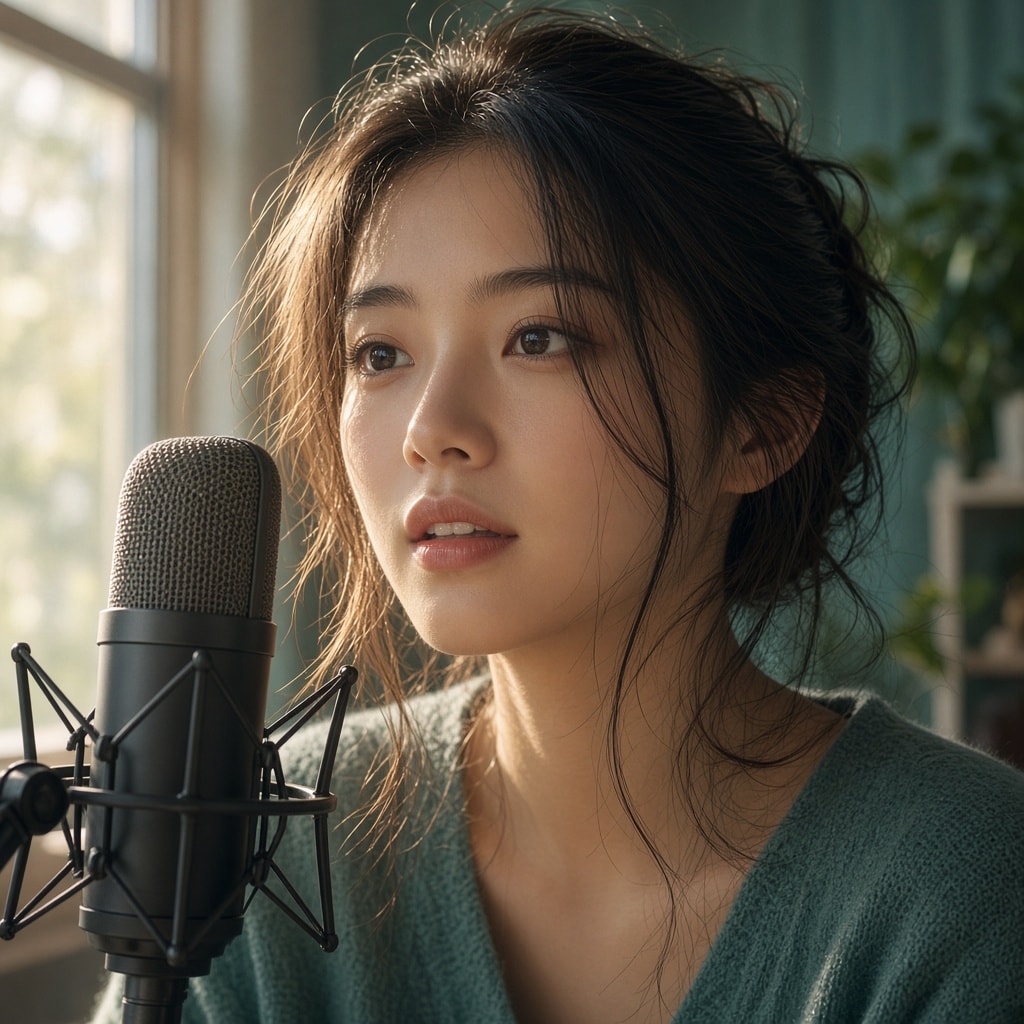
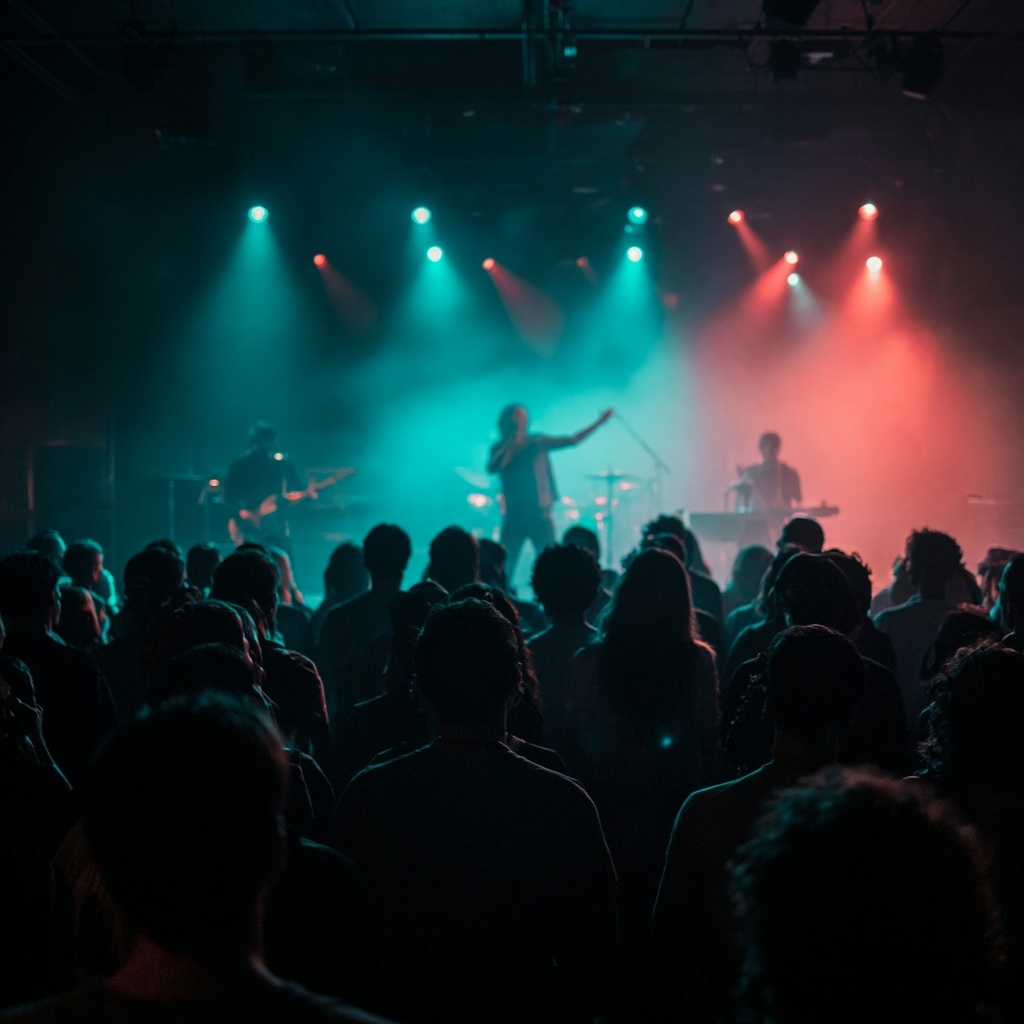
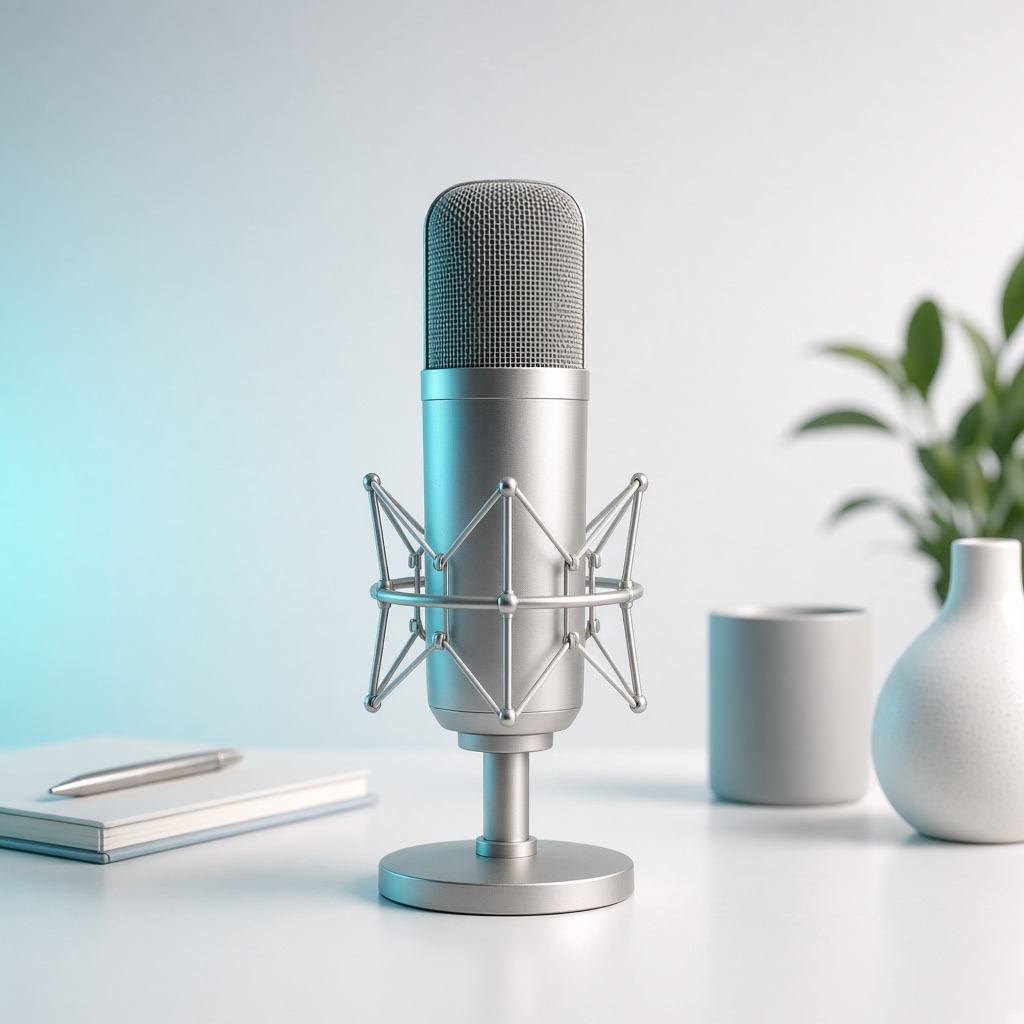
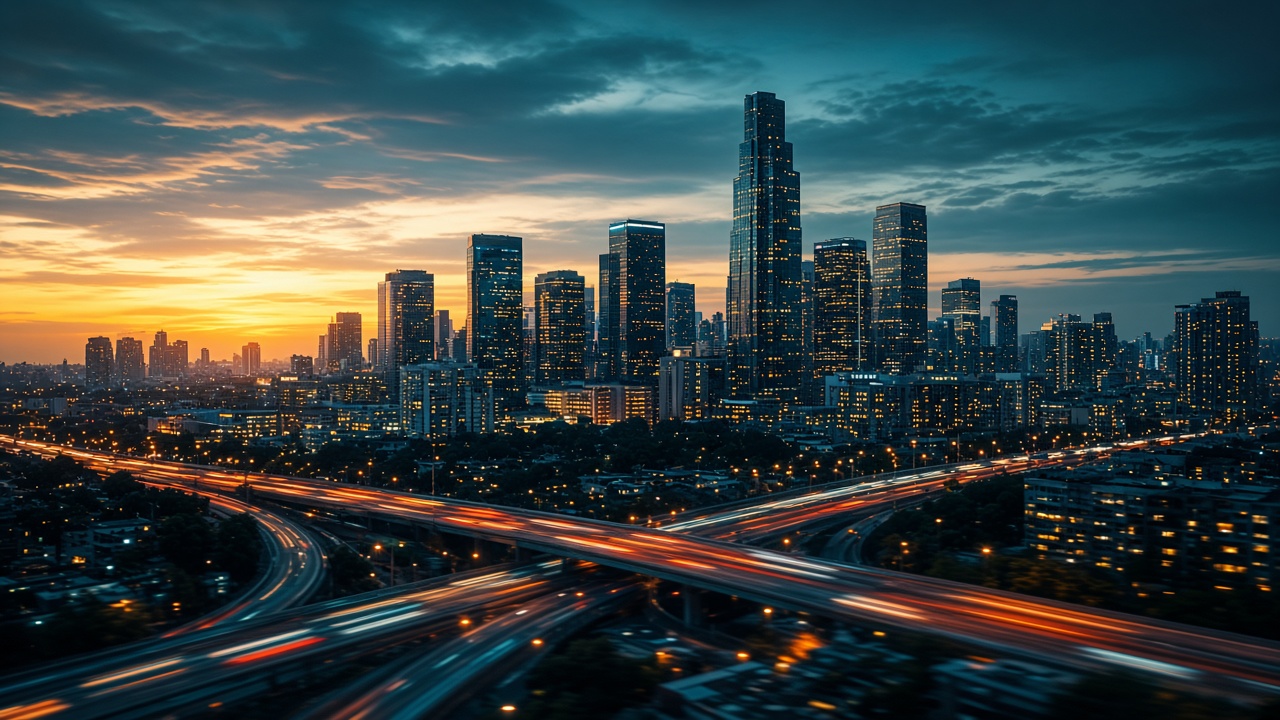
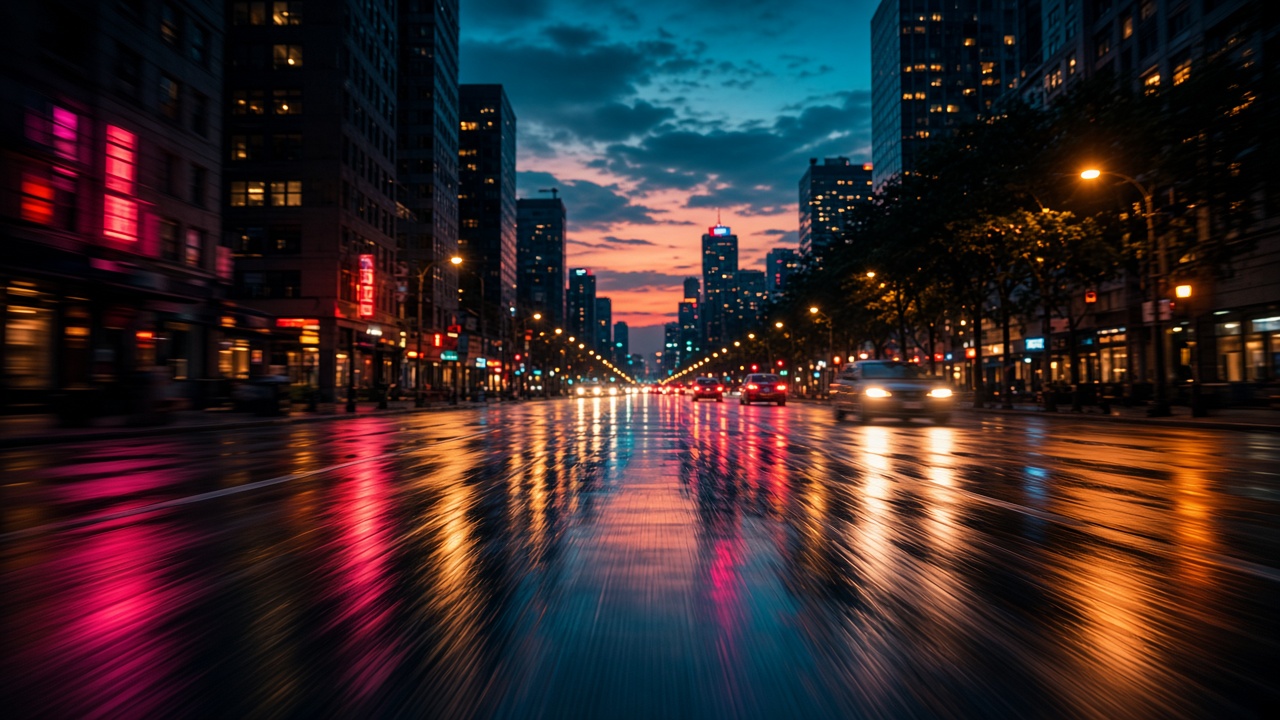
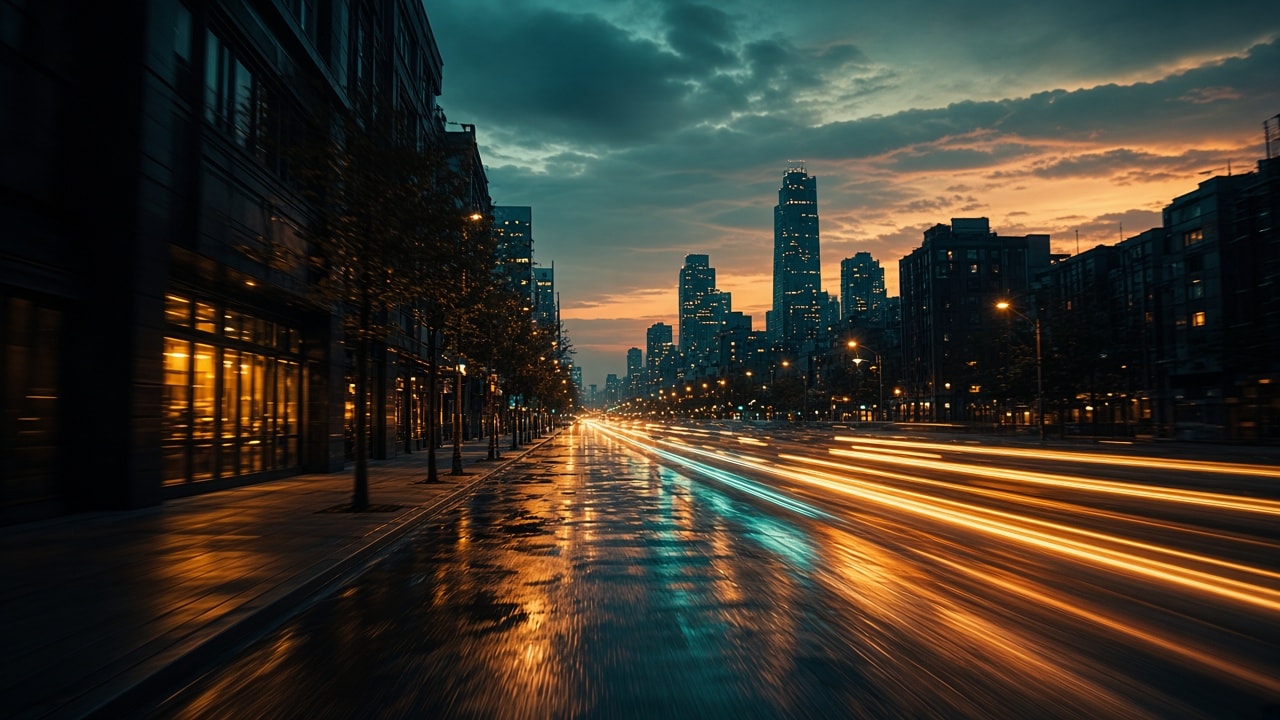
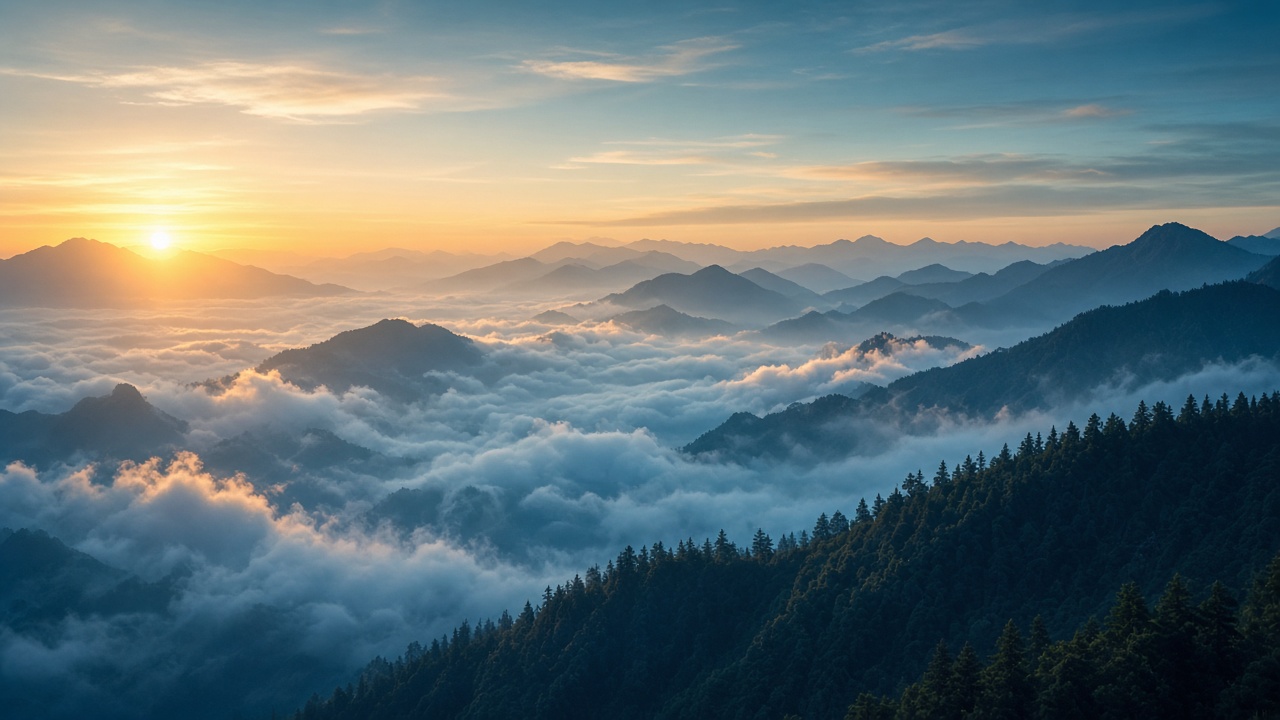
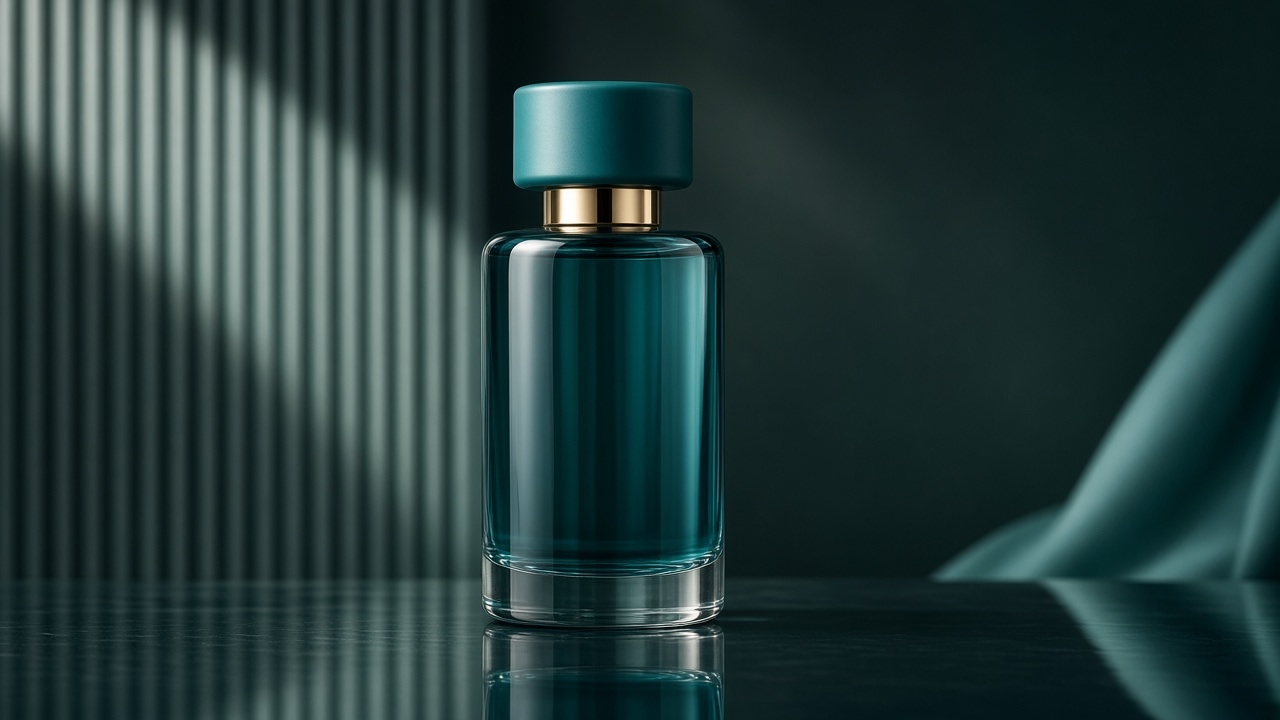
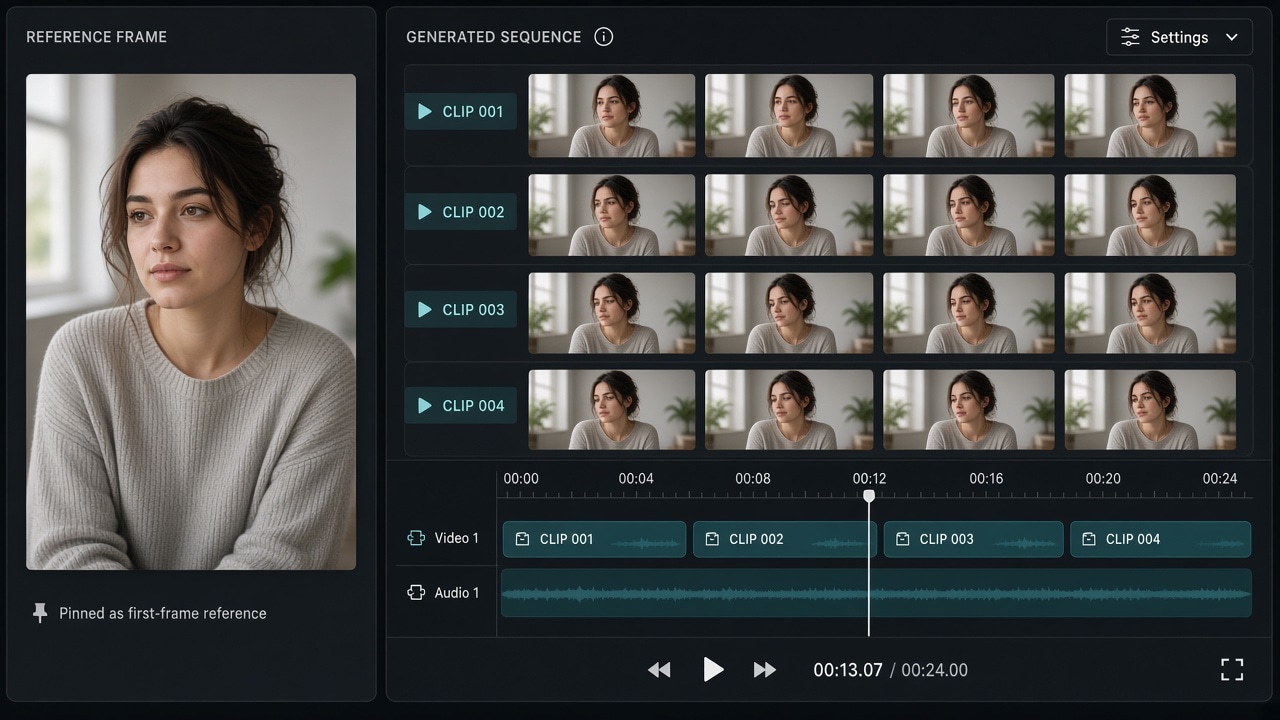
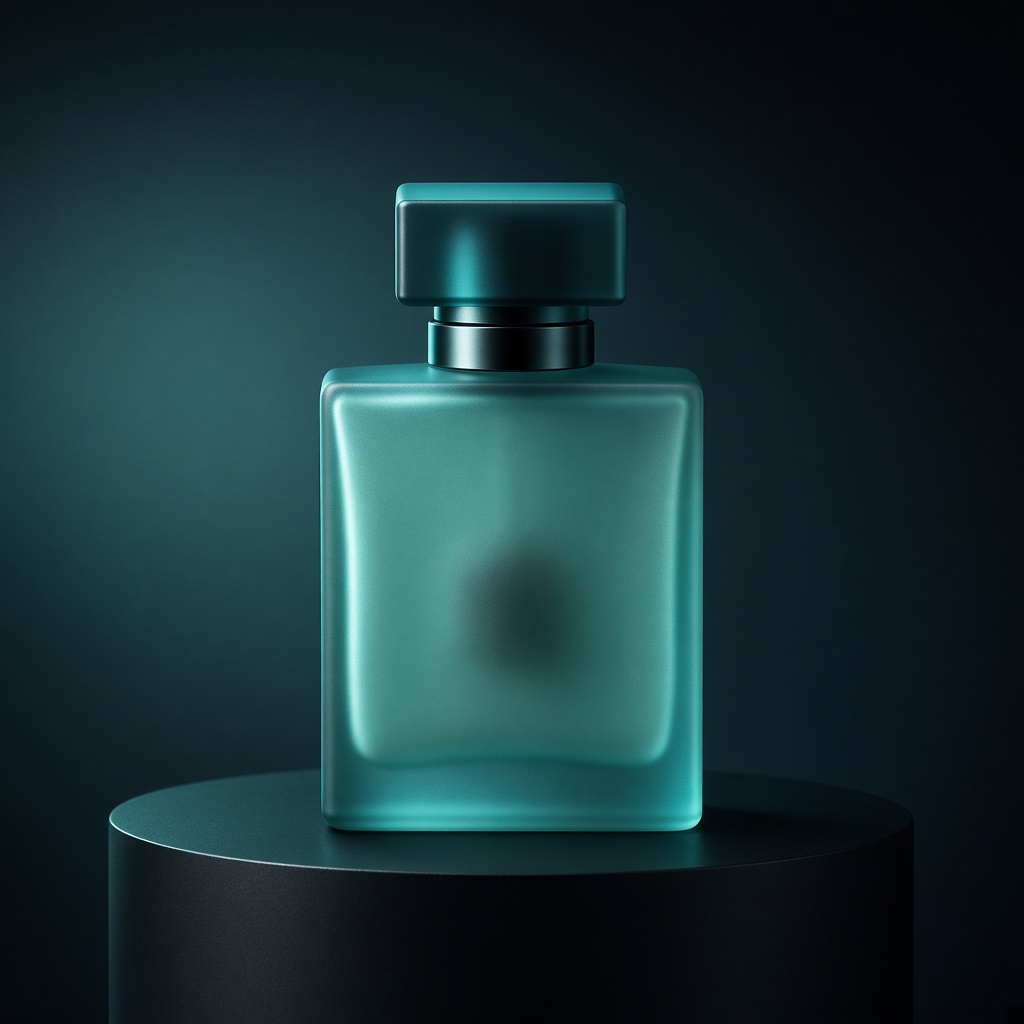
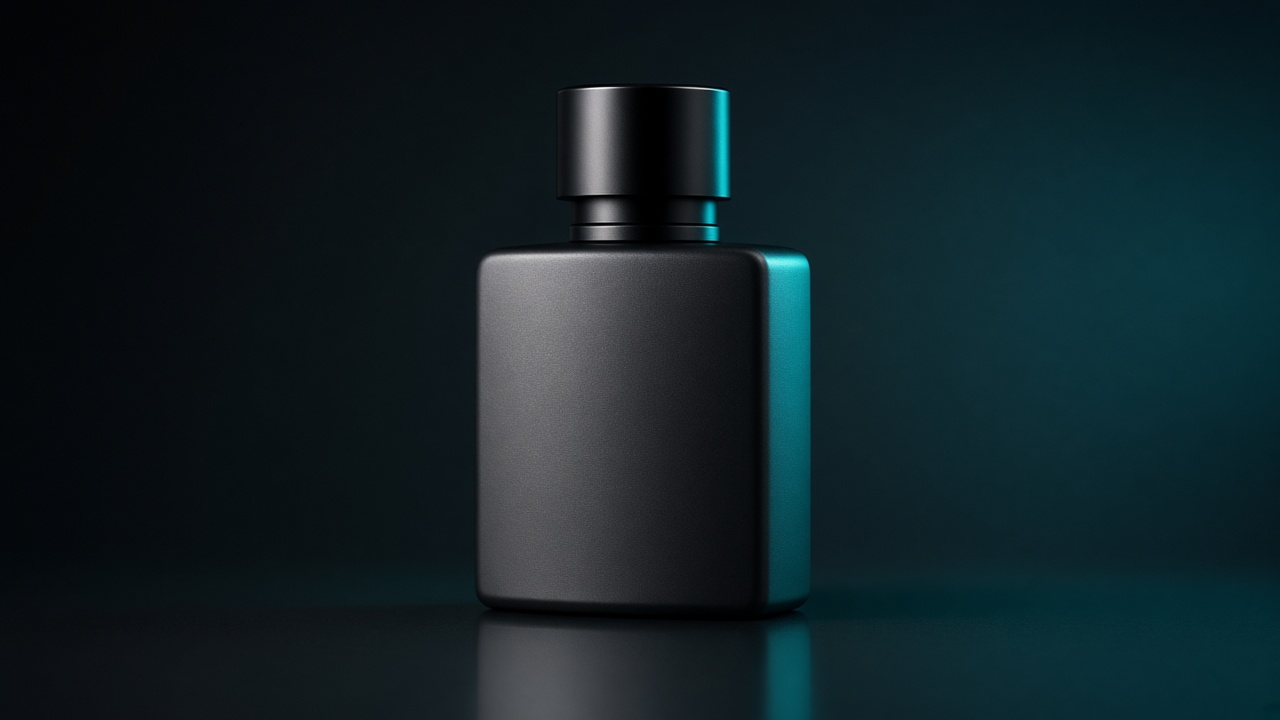
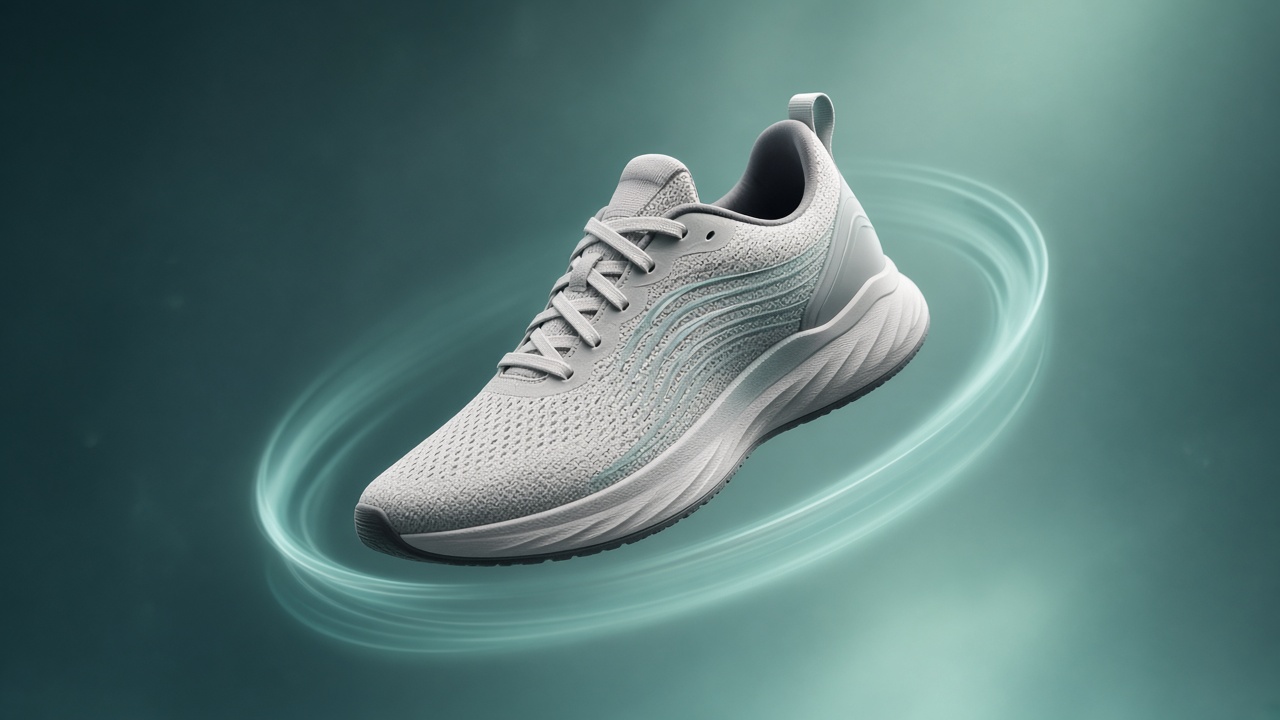
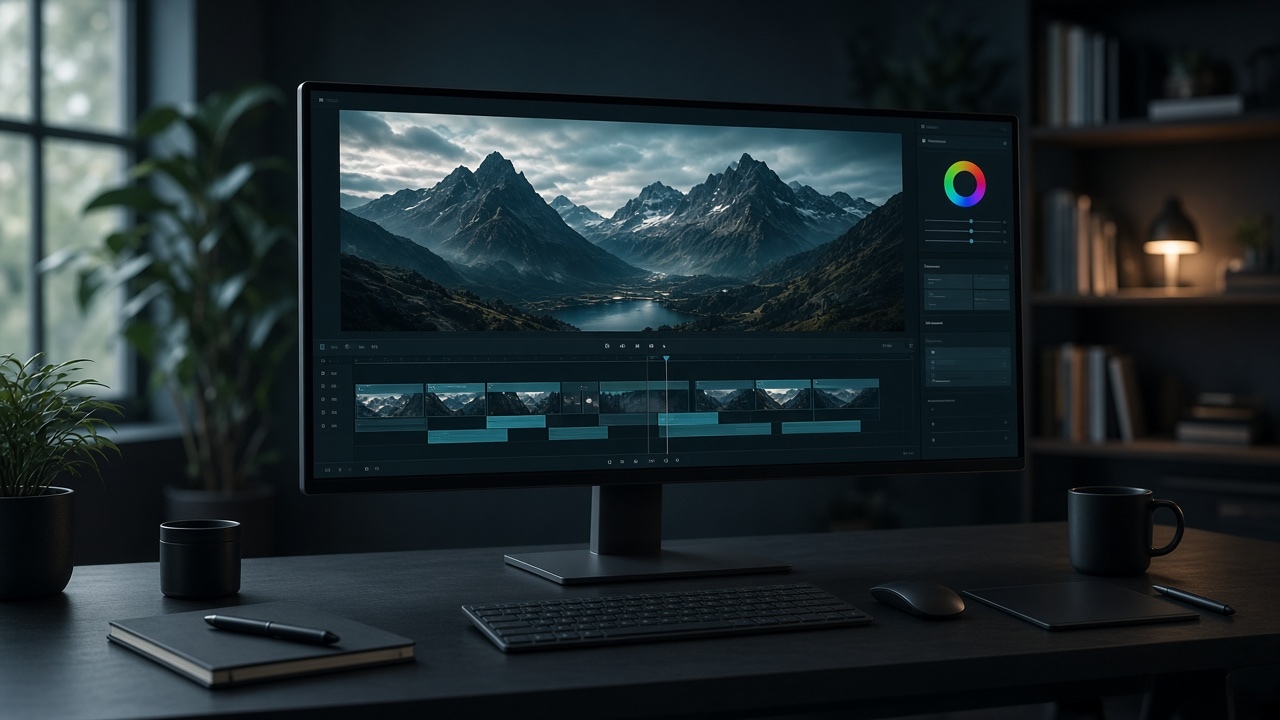
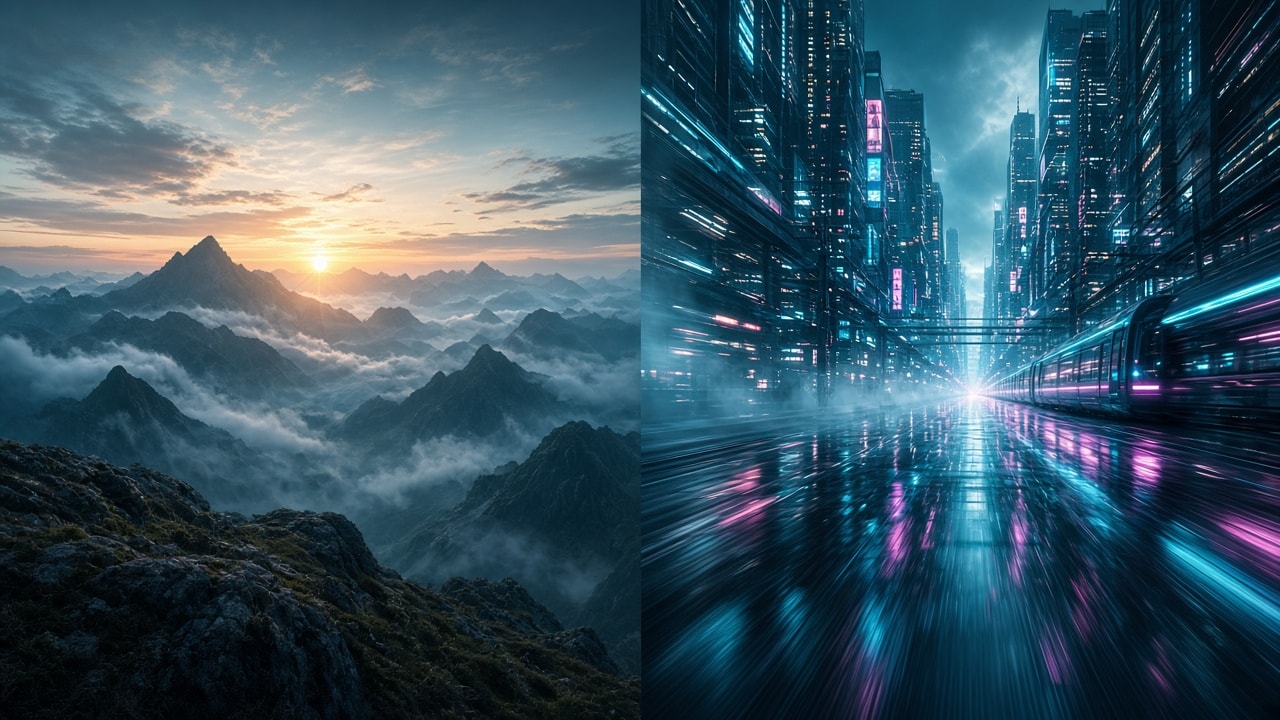
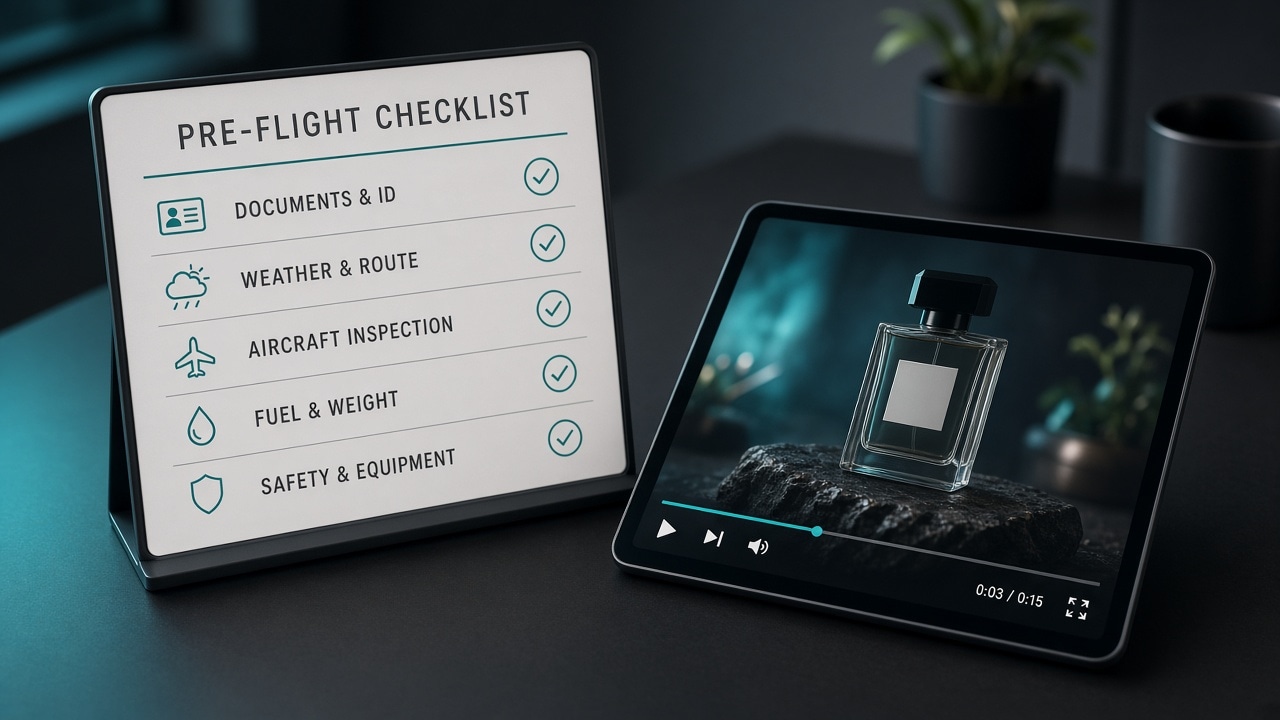
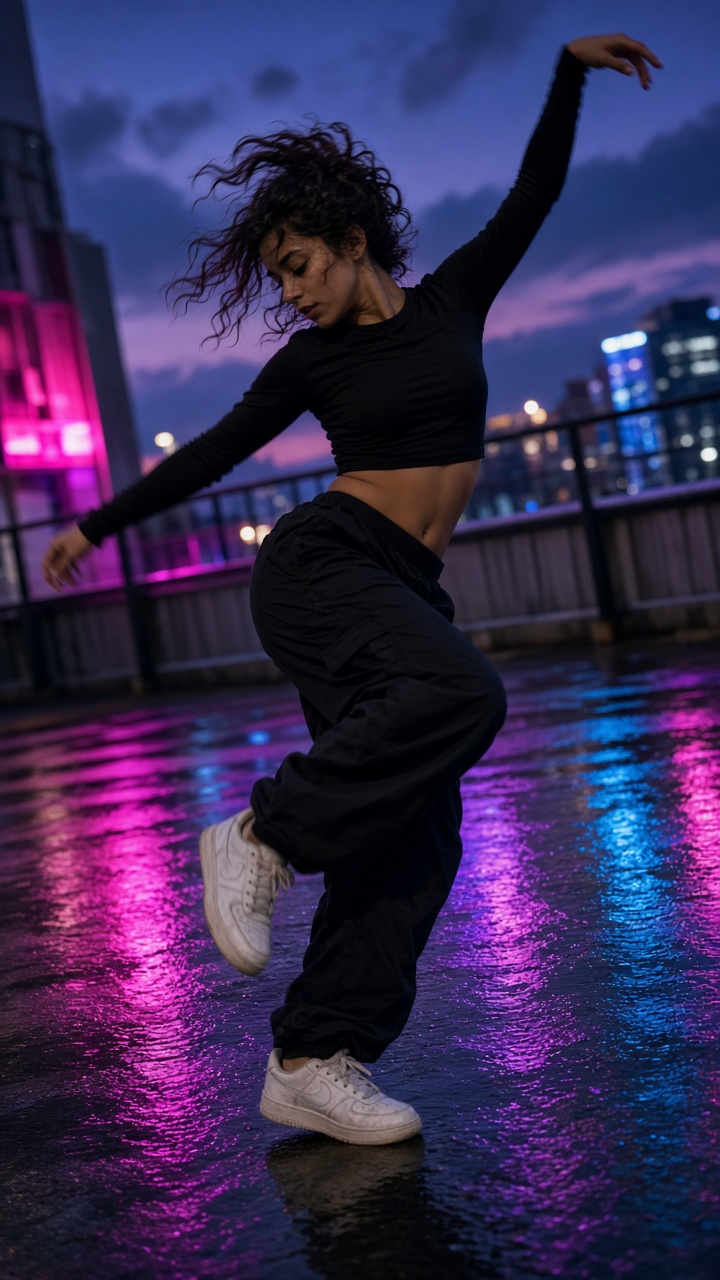
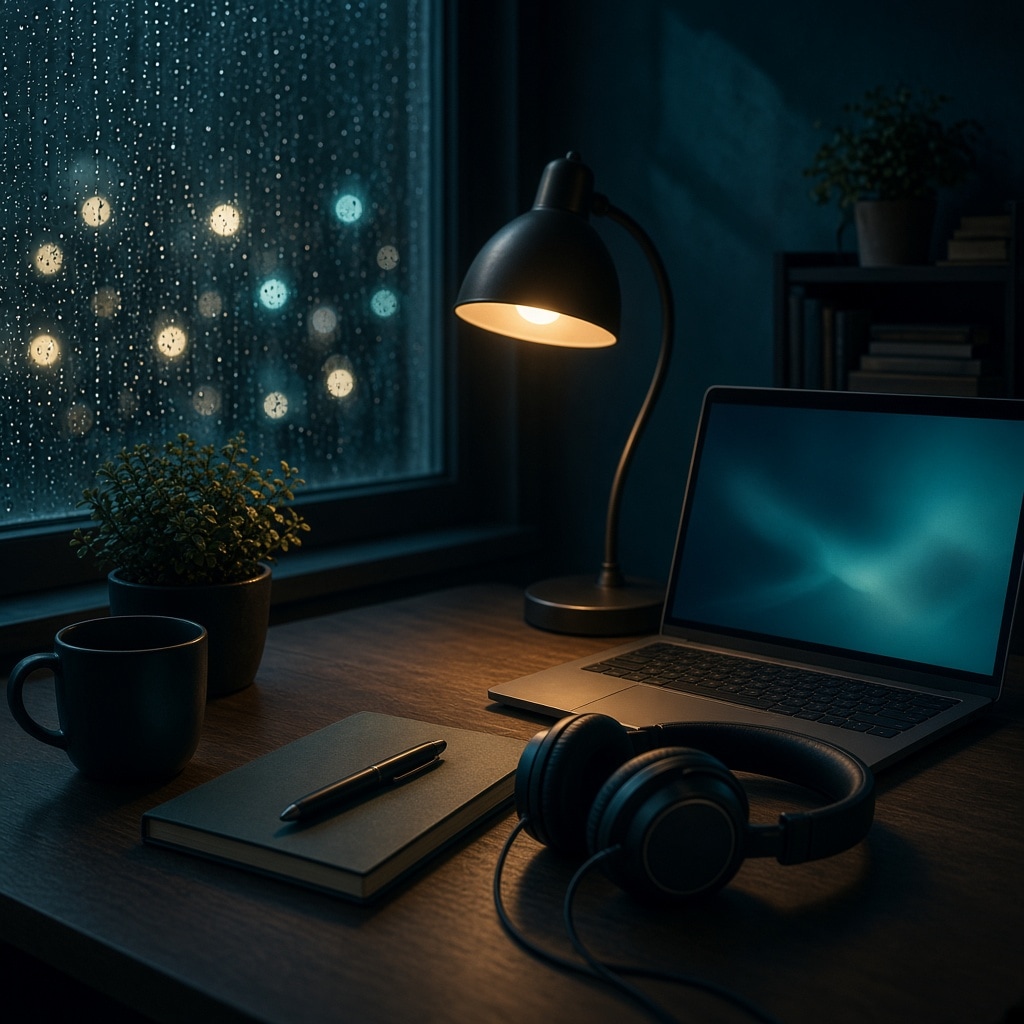
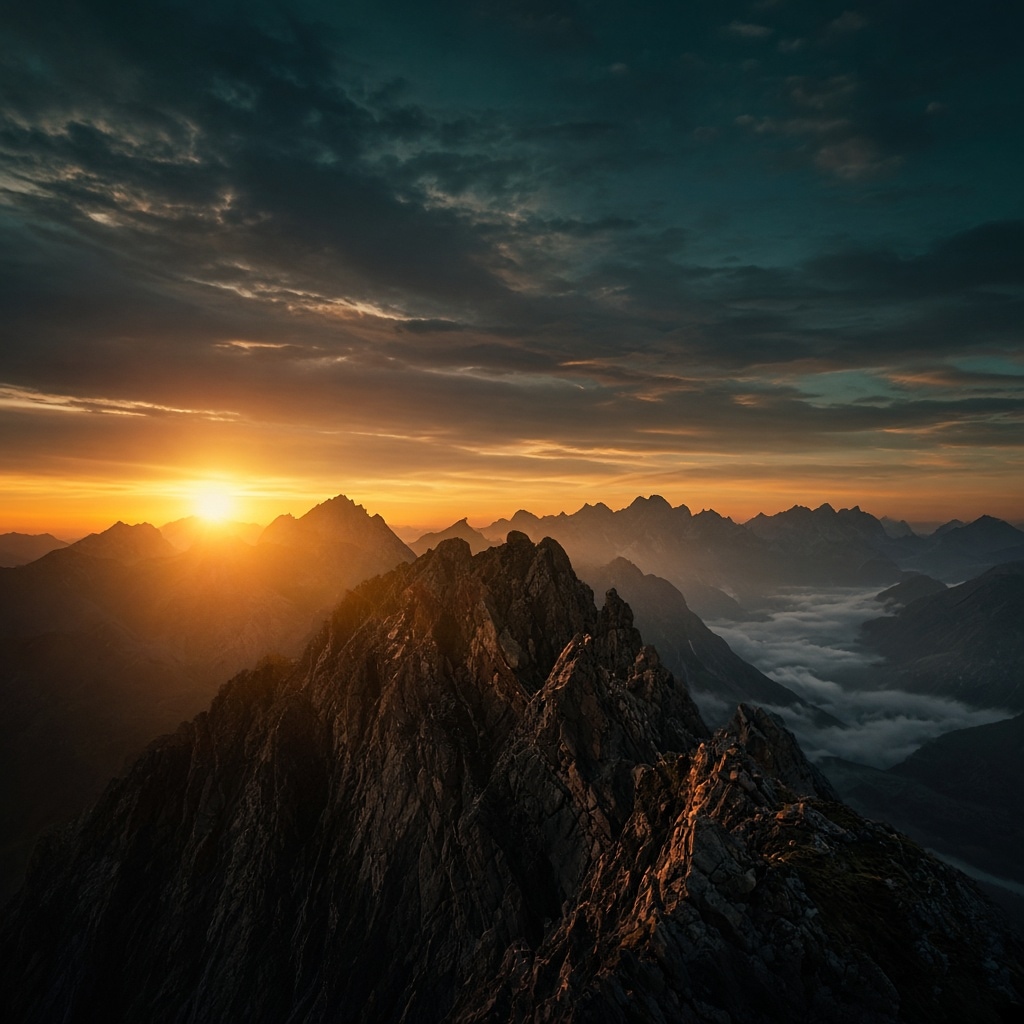
Sora2 AI gallery · copyable examples
Gallery: AI video & image examples with copyable prompts
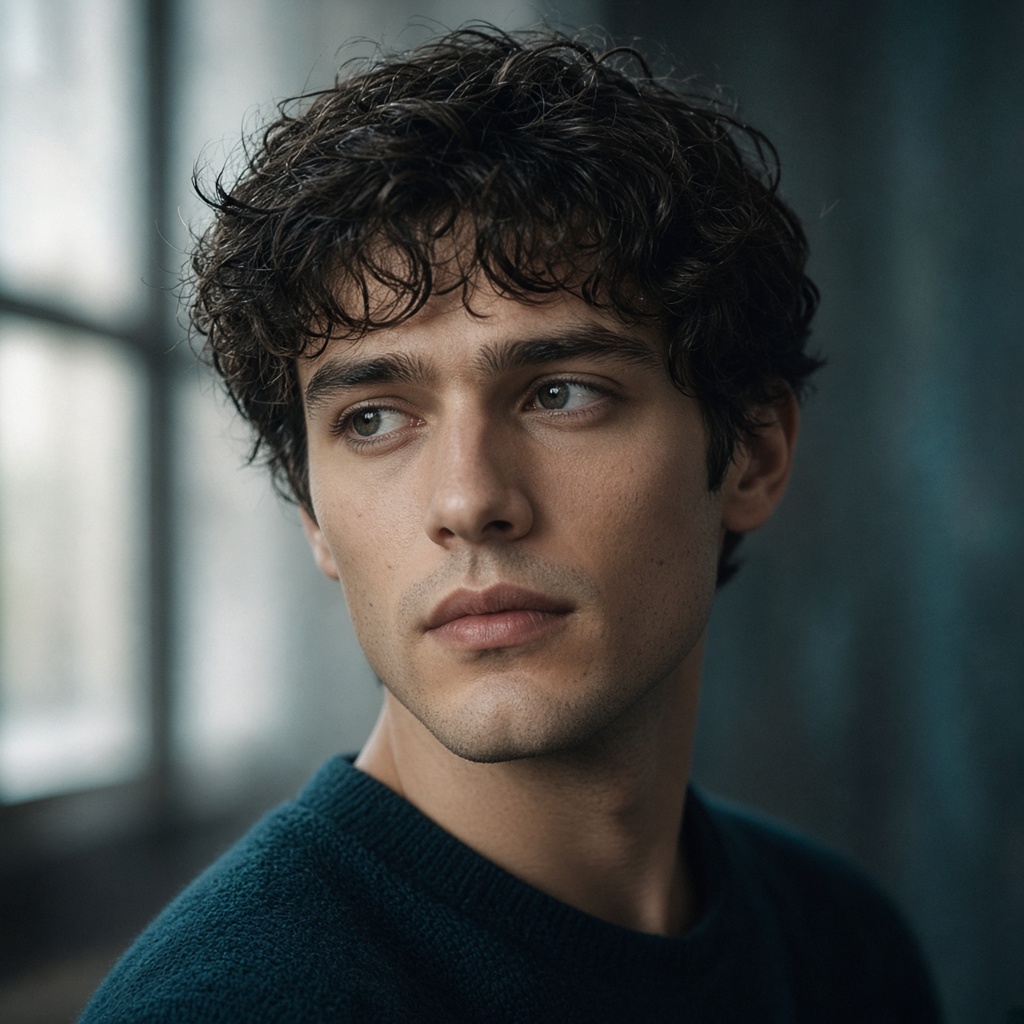
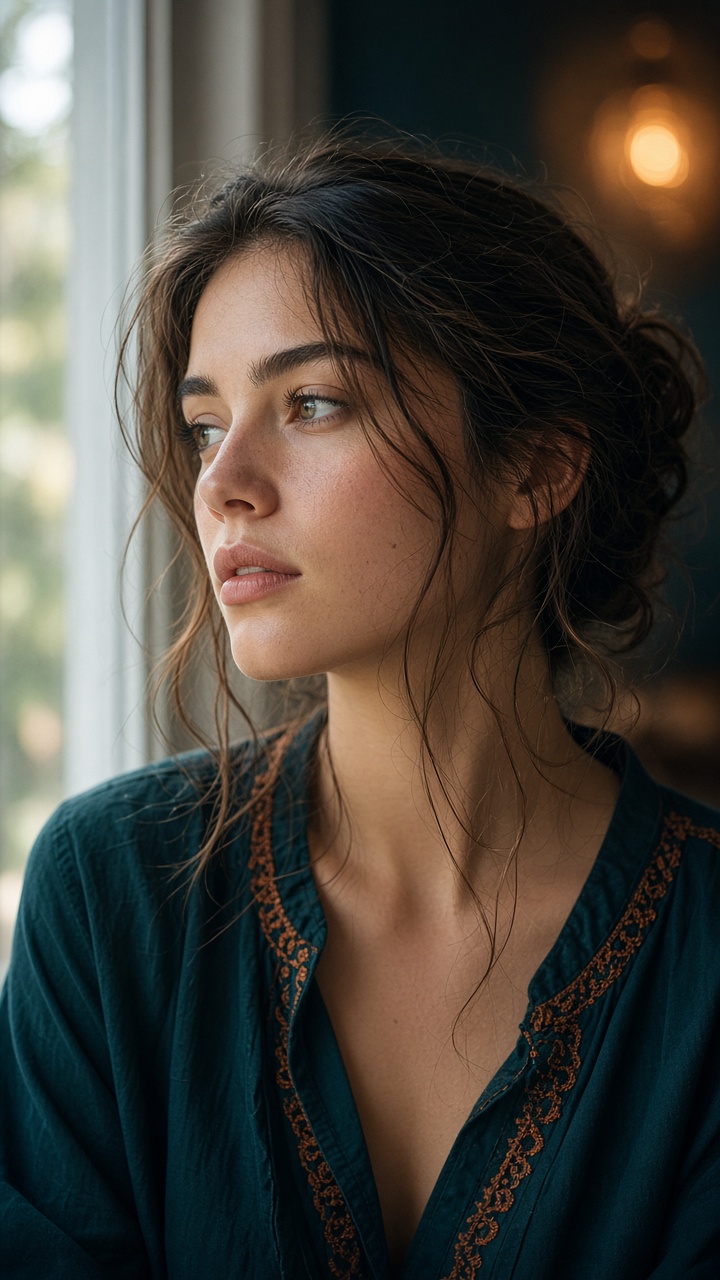
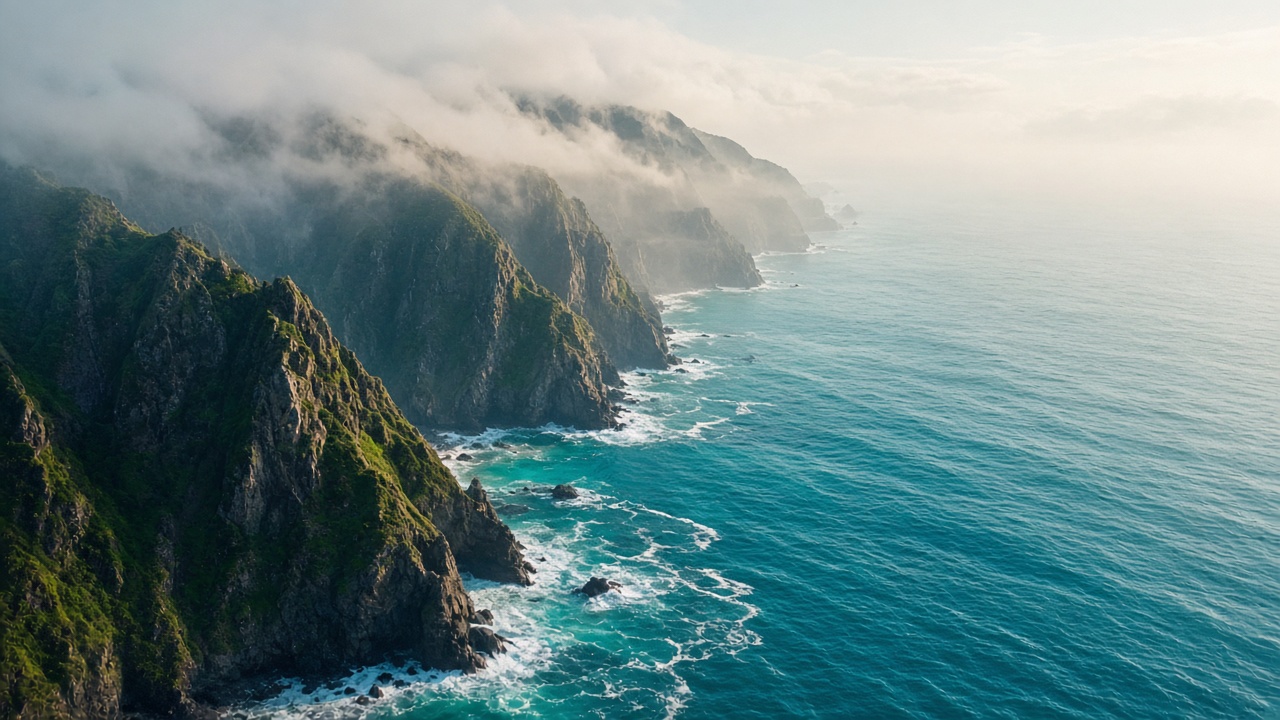
The gallery collects Sora2 AI-style examples across portrait, landscape, anime, sci-fi, fantasy, product, and architecture. Copy AI prompts for text-to-video, image-to-video, or AI art remixes.
Treat it as a visual dictionary: study composition and light first, then reverse-engineer the prompt structure. Signed-in users can also manage My Works.
-
Browse Sora2 AI works efficiently
Filter by category, then note subject/pose, lighting/color, and framing. Copy a close match and swap the subject nouns for a fast remix.
- Portraits: skin detail, focal length, mood
- Landscapes: atmosphere, golden hour, wide feel
- Products: surface materials, studio light, reflections
- Anime / Sunburst: clean line work and palette
-
How Sora2 AI My Works is saved
Signed-in generations save to your account library (Basic 50 / Pro 200 / Ultra 1,000) under Gallery → My Works and Account. Guests: local browser only (~7 days). Download keepers—My Works is not a permanent cloud drive.
- Signed in: the account list follows you across devices
- Guest: browser cache only — switching browsers or clearing data can wipe it
- Demo examples are for learning, not commercial finals
- Bulk tools: confirm before multi-delete
-
Sora2 AI Gallery → generation loop
Copy prompt → tweak parameters → generate text-to-video or AI art → return for new references. Great for concept drafts, style hunting, and pitch moodboards.
- Lock composition, then swap subject nouns
- Set --ar for the publishing channel
- Pin style phrases or --sref for series
- A/B with blog parameter notes
Sora2 AI remix tips
01
Change subject first
Keep lighting/framing lines; replace only the subject for a higher hit rate toward the Gallery look.
02
Match aspect to channel
16:9 for covers, 9:16 for vertical social, 1:1 for avatars — choose before you generate.
03
Lock style for series
Reuse 2–3 style phrases (or style refs) and pin a model version across the set.
Sora2 AI Gallery FAQ
Can I commercially use Sora2 AI images from the Gallery? +
Do not assume yes. The Gallery is for studying composition, light, and prompt structure. For commercial use, rely on assets you generated under your plan rights, and avoid unauthorized celebrities, trademarks, or copyrighted character IP. Even for internal decks, label source and rights status.
I copied a prompt but the result looks very different — normal? +
Yes, often. Model version, seed, stylize, references, negatives, and sampling noise all shift outcomes. Pin a version, swap only the subject first, then tune lighting, then stylize. A/B with blog parameter notes beats blind rerolls when chasing a Gallery look.
Does My Works sync to the cloud with my account? +
Signed-in runs save to your account library (Basic 50 / Pro 200 / Ultra 1,000) and show in Gallery → My Works. Guests: local browser only (~7 days); clearing site data can wipe that list. Download finals when you need durability—My Works is not a permanent cloud drive.
How do I remix a Gallery example quickly? +
Pick a close composition → copy the AI prompt → replace only subject nouns → set aspect for the channel → run text-to-video, image-to-video, or AI art. For series, lock 2–3 style phrases or a style ref. Ecommerce/social teams can bookmark prompts by placement as a visual dictionary.
I cannot find my style in the filters — what next? +
Switch portrait/landscape/anime/product filters first. Still stuck? Copy a themed Prompt Library template or read vertical blog guides (consistency, product, interiors). Borrow lighting lines from a near match onto your subject — usually faster than blank-page writing.
Any caveats for download and copy-link? +
Download for assets you are allowed to keep; copy links for sharing drafts. Do not resell demo/community examples as a “licensed pack.” If download fails, try a new tab or retry later; follow on-page errors from the download API.
Related Sora2 AI links
Seen enough? Start creating
Copy a Sora2 AI prompt you like, refine parameters on the generate page, and render on this site.